

Let's do it together!
Step 1: Access the site
Go to impactpool.org to access Impact Pool's platform.
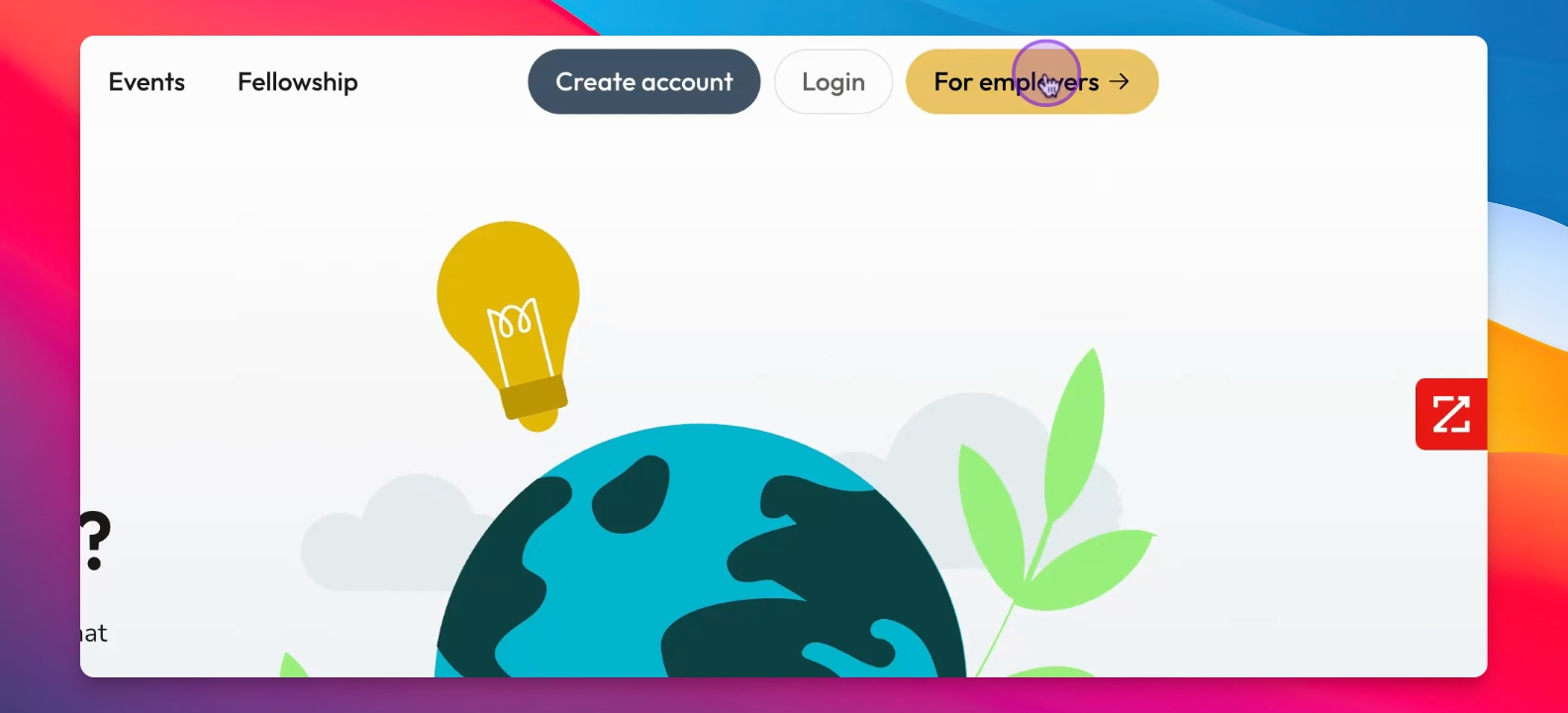
Step 2: Click Login
Click the Login button on the site.
Step 3: Enter your email
Type in your work email address and click Login.
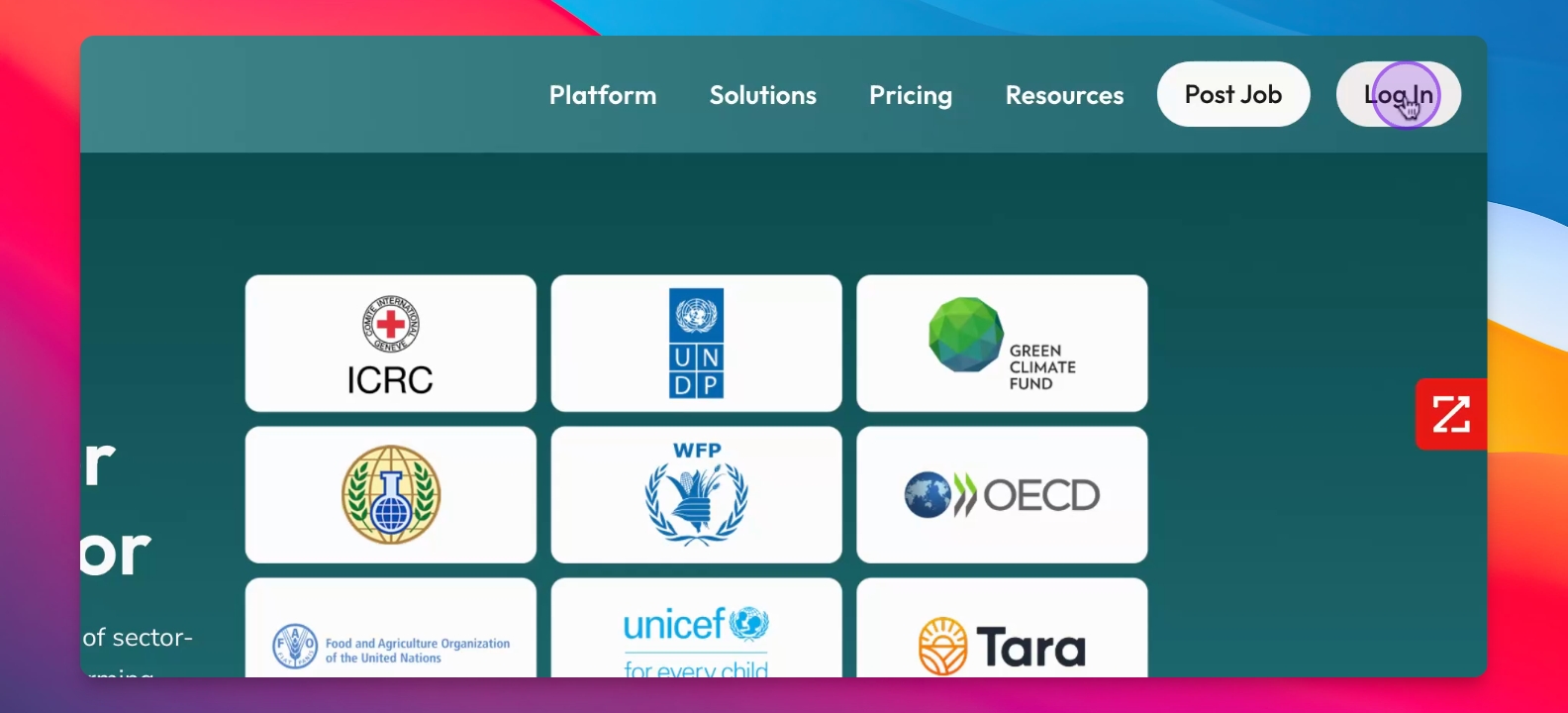
Step 4: Dashboard access
After logging in, you will be directed to your Employer or Recruiter Dashboard.
Step 5: Navigate the menu
Use the main menu on the left to navigate through the platform.
Troubleshooting
Login issues
Ensure your work email is correct and try again.
Stuck on login
Reach out to us@customersuccessimpactpool.org for assistance.
FAQ
What sides does Impactpool have?
Impactpool has a candidate side and a recruiter side.
Where do recruiters log in?
Recruiters log in at impactpool.org, similar to candidates.