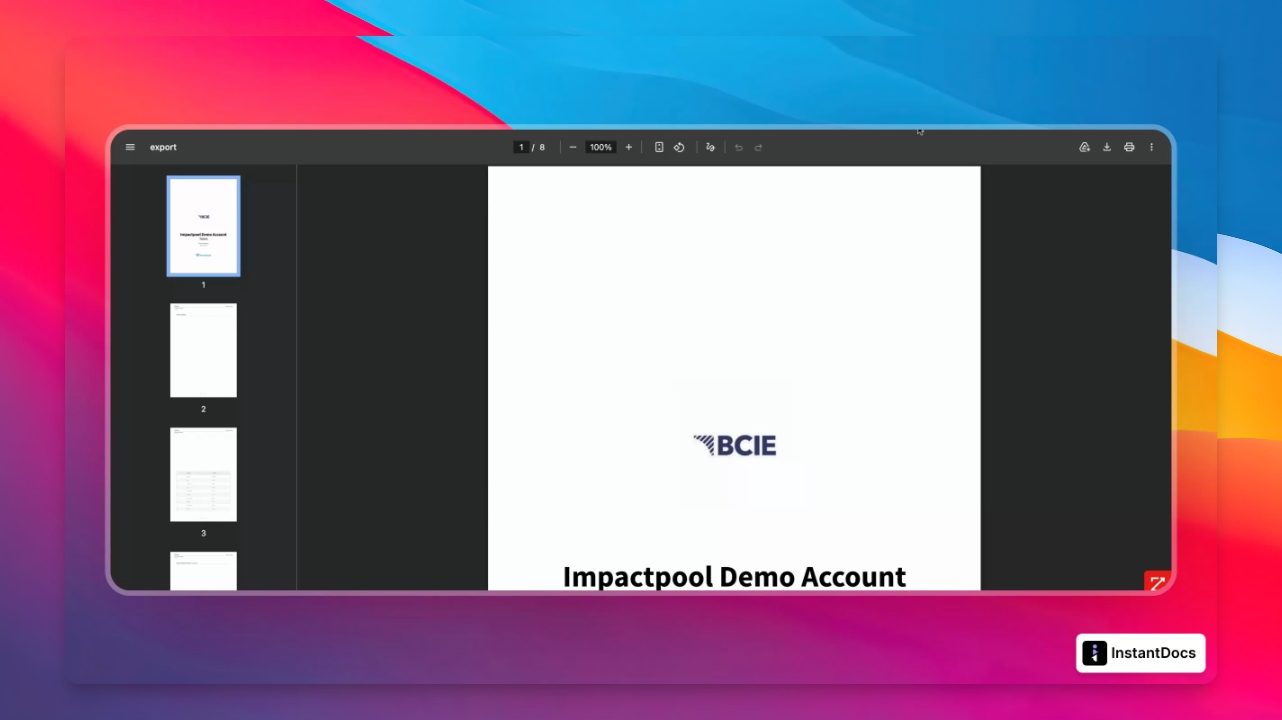
This guide will show you how to access, filter, and export insightful reports from your talent pool. Let's look at the steps:
Step 1: Open Your Talent Pool
From the left side of the navigation menu in the platform, open your Talent pool.
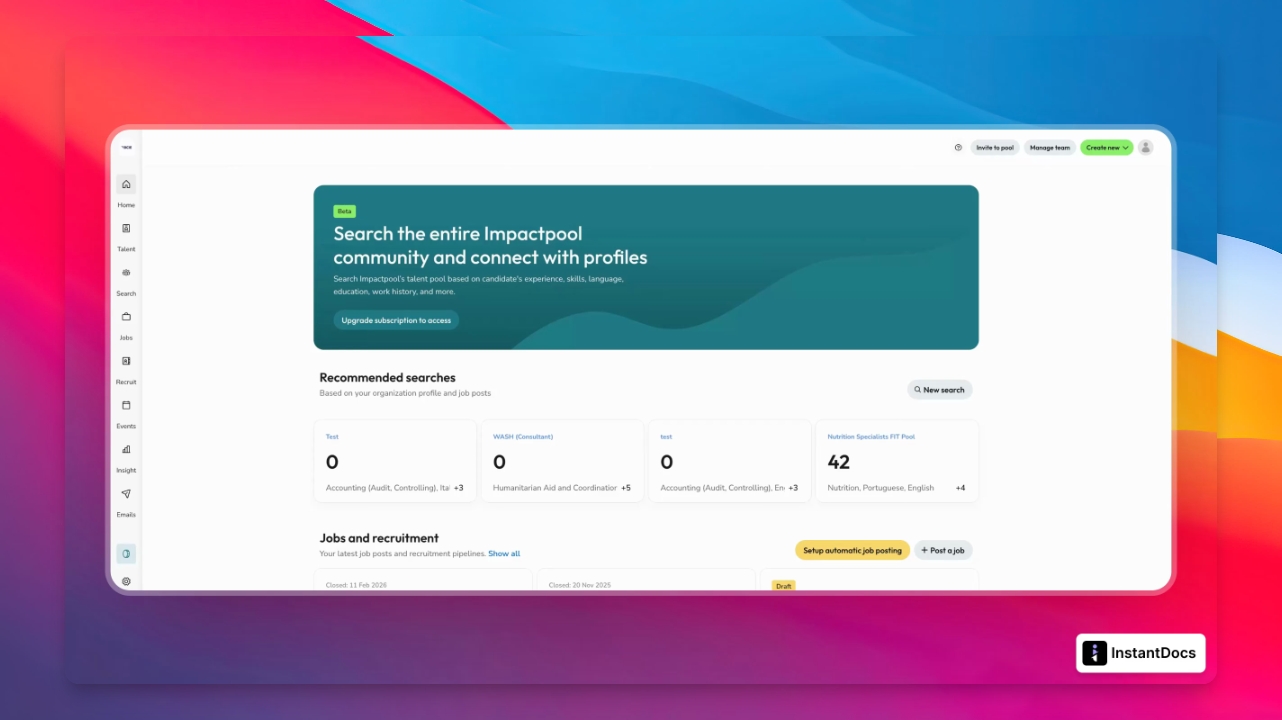
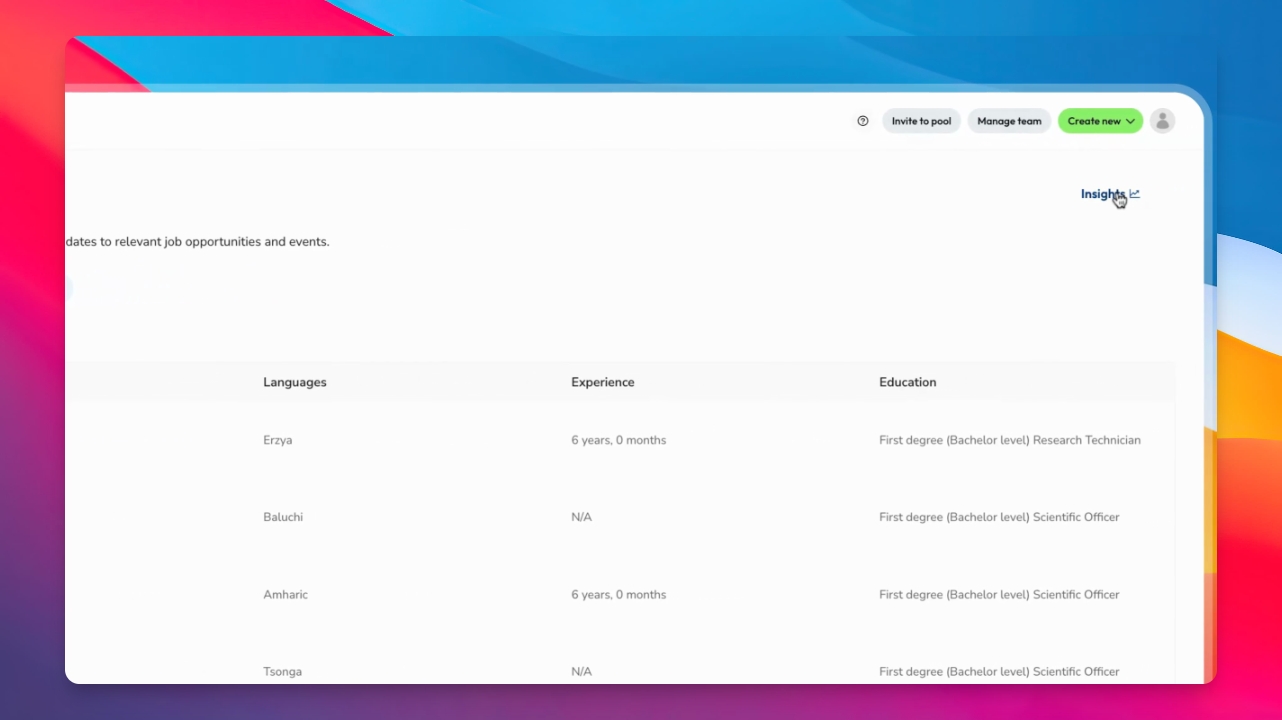
Step 2: Access Insights
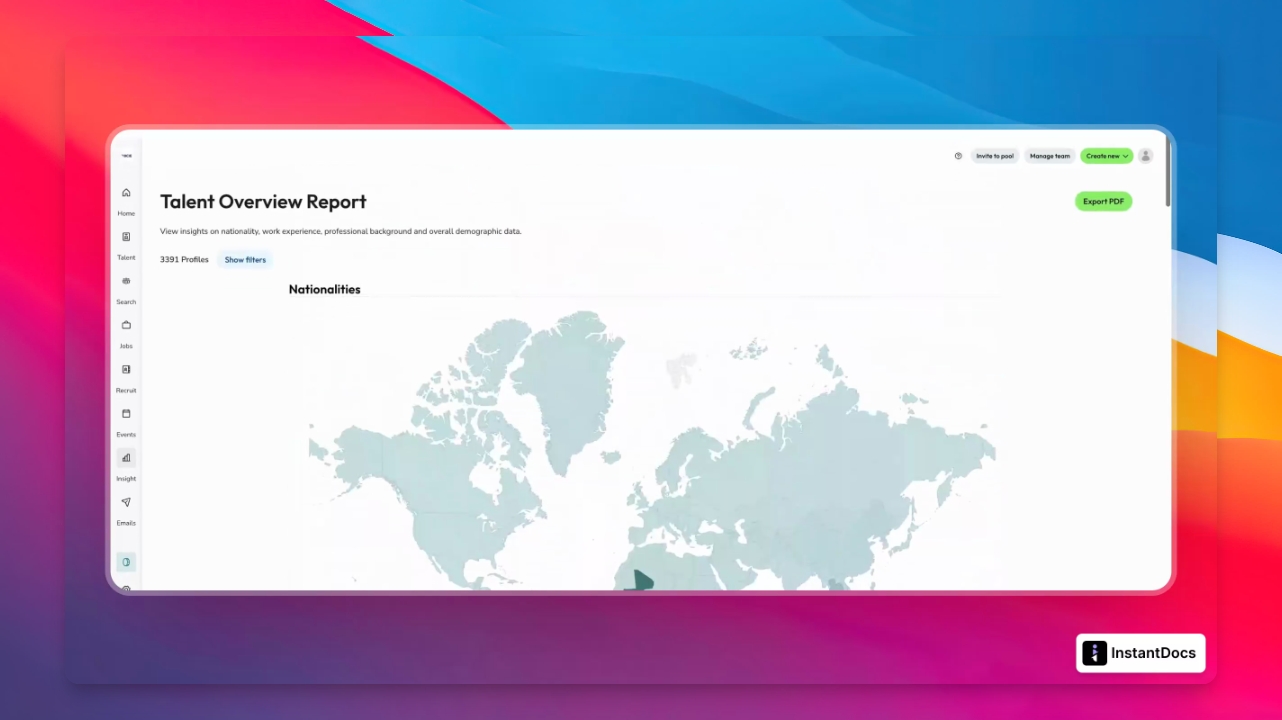
Inside the Talent pool, locate the Insights section at the top right corner and select it to access interactive analytics.
Insights provide analytics such as nationality and work experience by country, occupational groups, age and gender distribution, language proficiencies, degrees, and seniority levels across your talent pool.
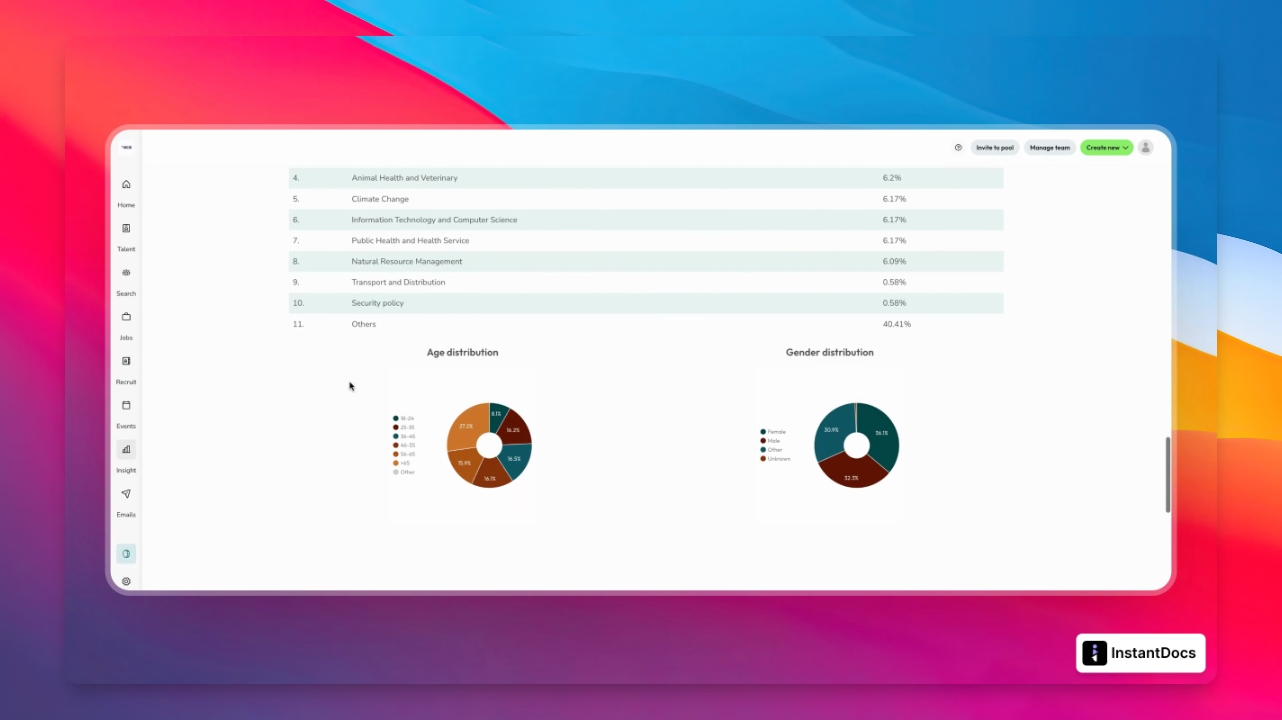
One key feature of Insights is the ability to quickly apply filters to segment your pool or generate targeted reports.
Step 3: Filter Candidates by Nationality
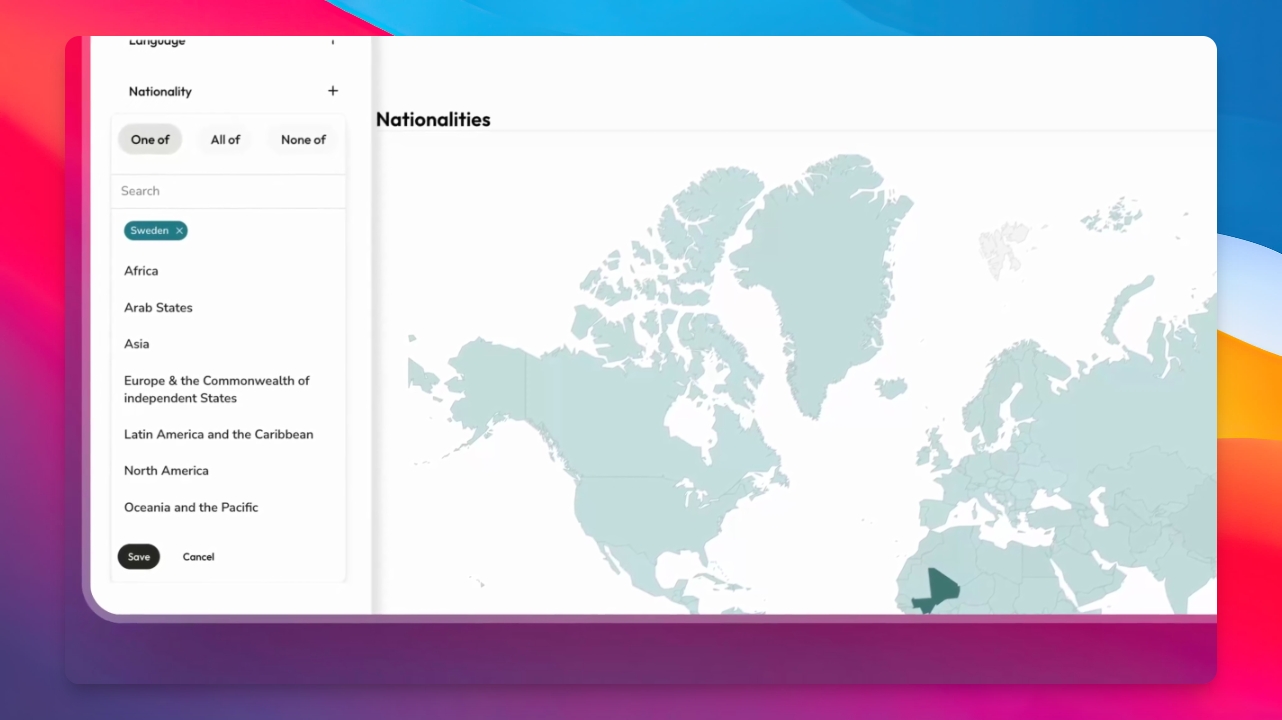
To isolate all Swedish candidates, click Show Filters, choose Nationality, and select Sweden.
Step 4: Apply the Filter
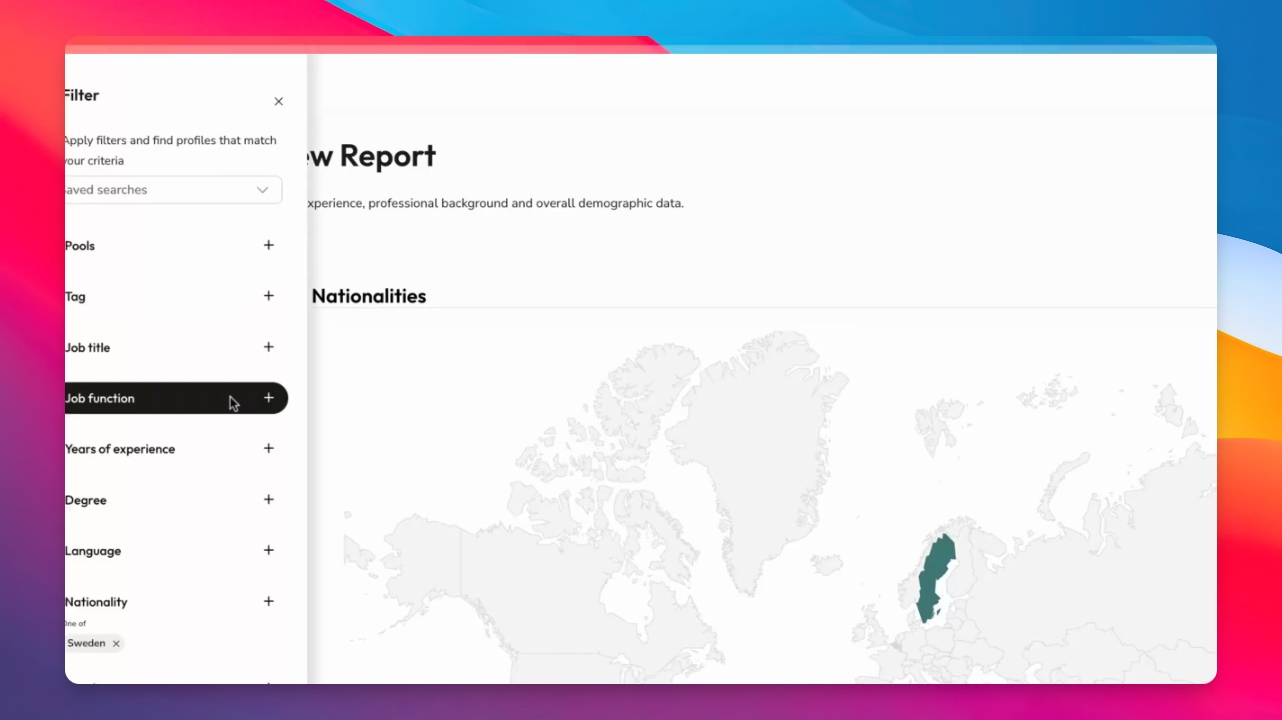
Apply the filter. The dashboard will refresh instantly to display only the Swedish candidates and their details, including dual nationalities, work experience, age, degrees, gender, seniority, and more.
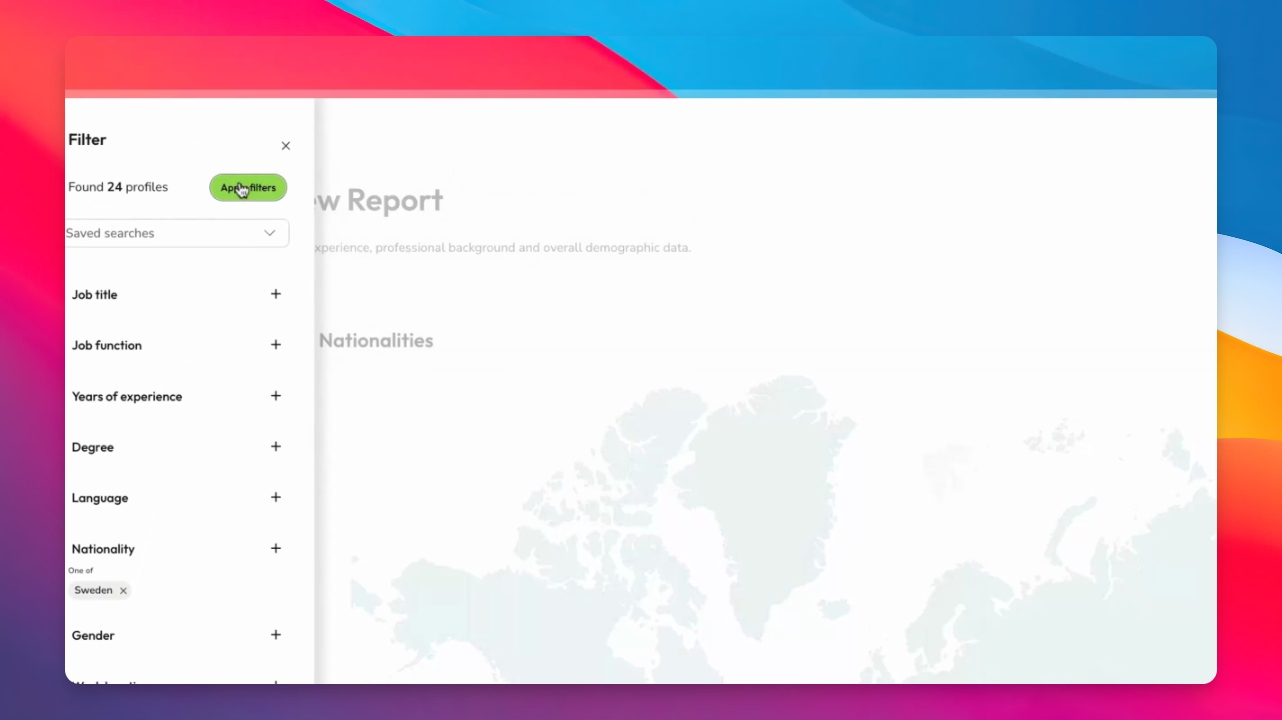
You can continue using filters to refine your reports further. Save searches to quickly revisit and export these reports later.
Step 5: Export the Report as PDF
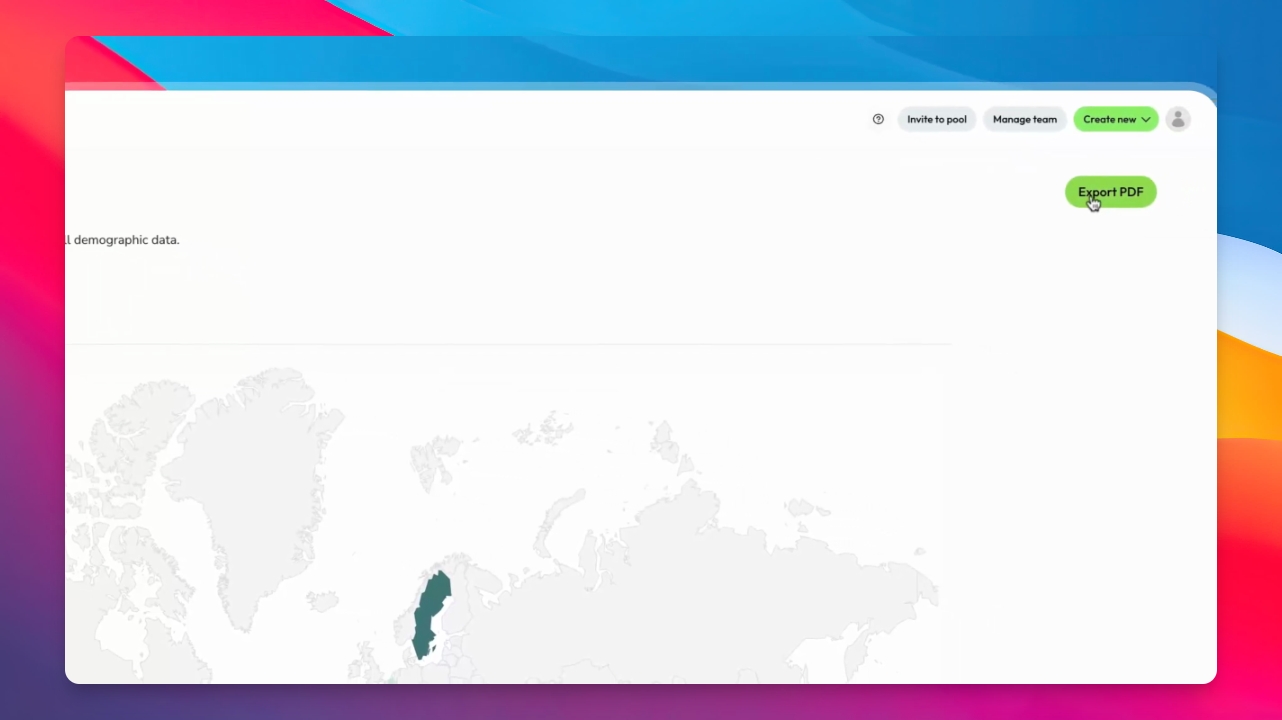
Once your report is ready, click Export PDF.
Step 6: Download or Share the PDF
The platform will generate a PDF preview. Download it to your desktop or share it as needed.
Thank you for following along.