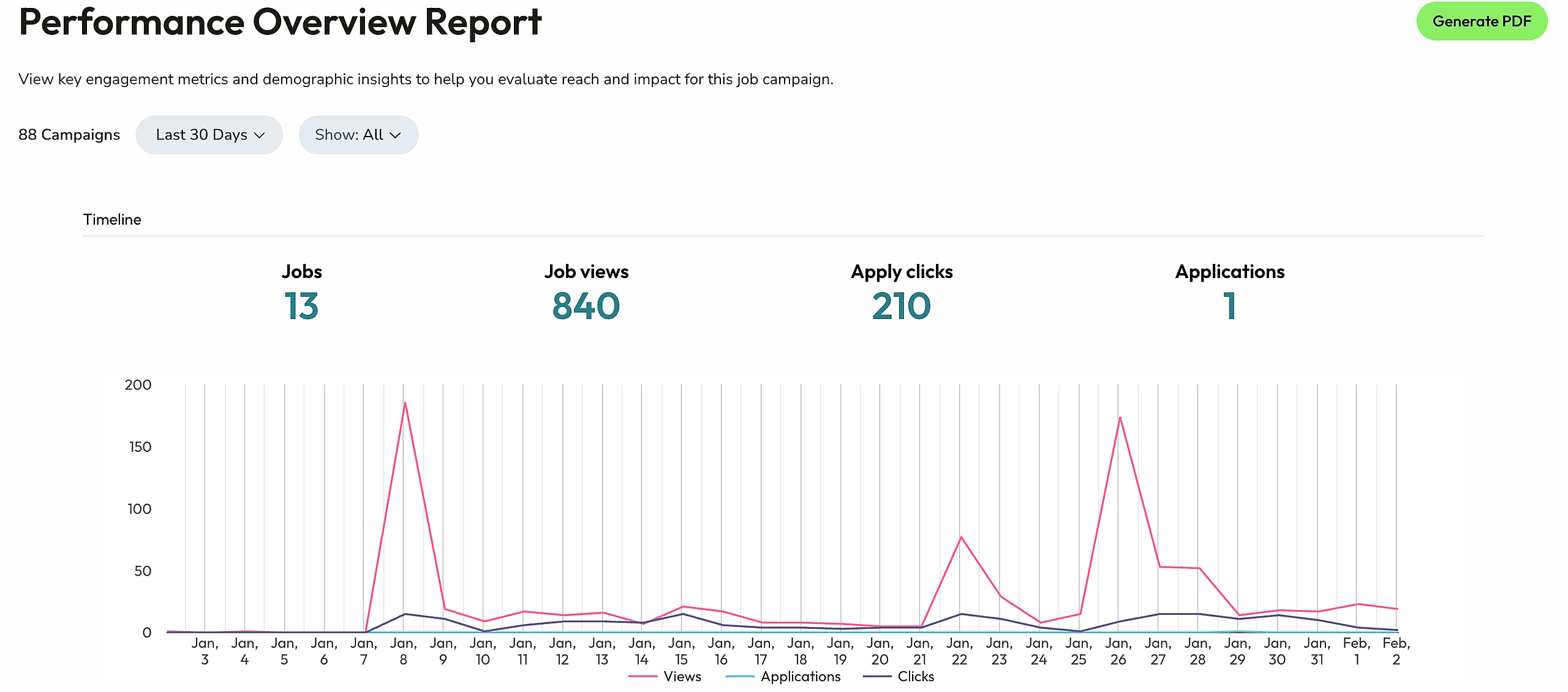
Through your Impactpool Dashboard, you can monitor how your jobs are performing and if they are reaching the right audience. The Impactpool report includes views, application clicks, gender, age, and geographic diversity (location).
The report provides live data to allow you to better monitor the effects of your outreach efforts.
To learn how to run a report at the job level, please read: Job report | How to check that my job is reaching the right applicants?
Step 1: Go to the side menu and choose "Jobs"
Step 2: Click on Insights to create an aggregated report across all your jobs

Step 3: View the report and generate a PDF to download to your desktop.