

To learn how to edit and review your Privacy Policy, read the article - GDPR - How to review and edit your Privacy Policy in the Impactpool Recruit™?
On May 25, 2018, the General Data Protection Regulation (GDPR) came into effect. The GDPR includes rules relating to how we collect and process personal data. In order to make it easier for your applicants to retrieve and request a record of the data that is being processed. To make this request easy, you must have a contact e-mail in your privacy policy.
This is a help to get that e-mail inserted.
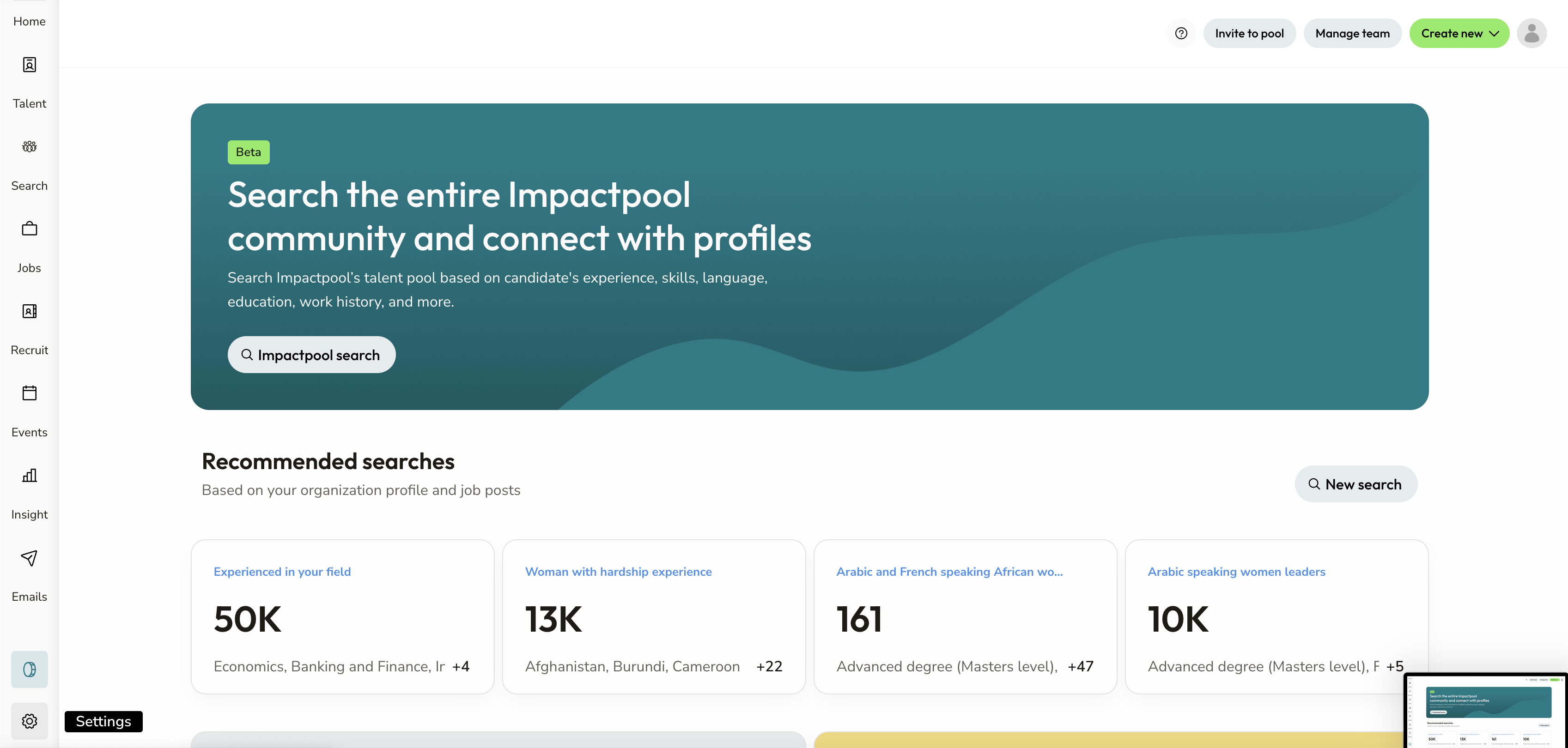
Step 1: Press the Settings button in the bottom left sidebar
This button is only available if you have the Superuser role in your organization.
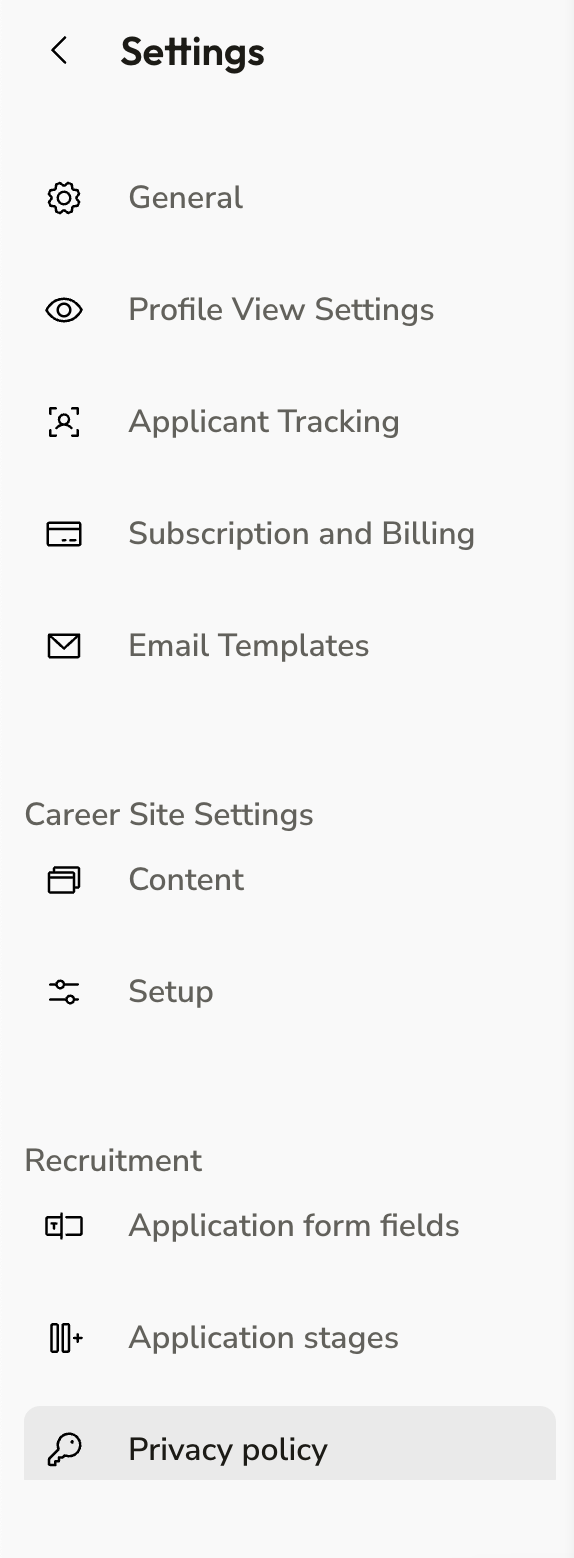
Step 2: Under General, you will find the Privacy Policy under the Recruitment section
Step 3: Include the e-mail that you would like to use and press the [Update button]
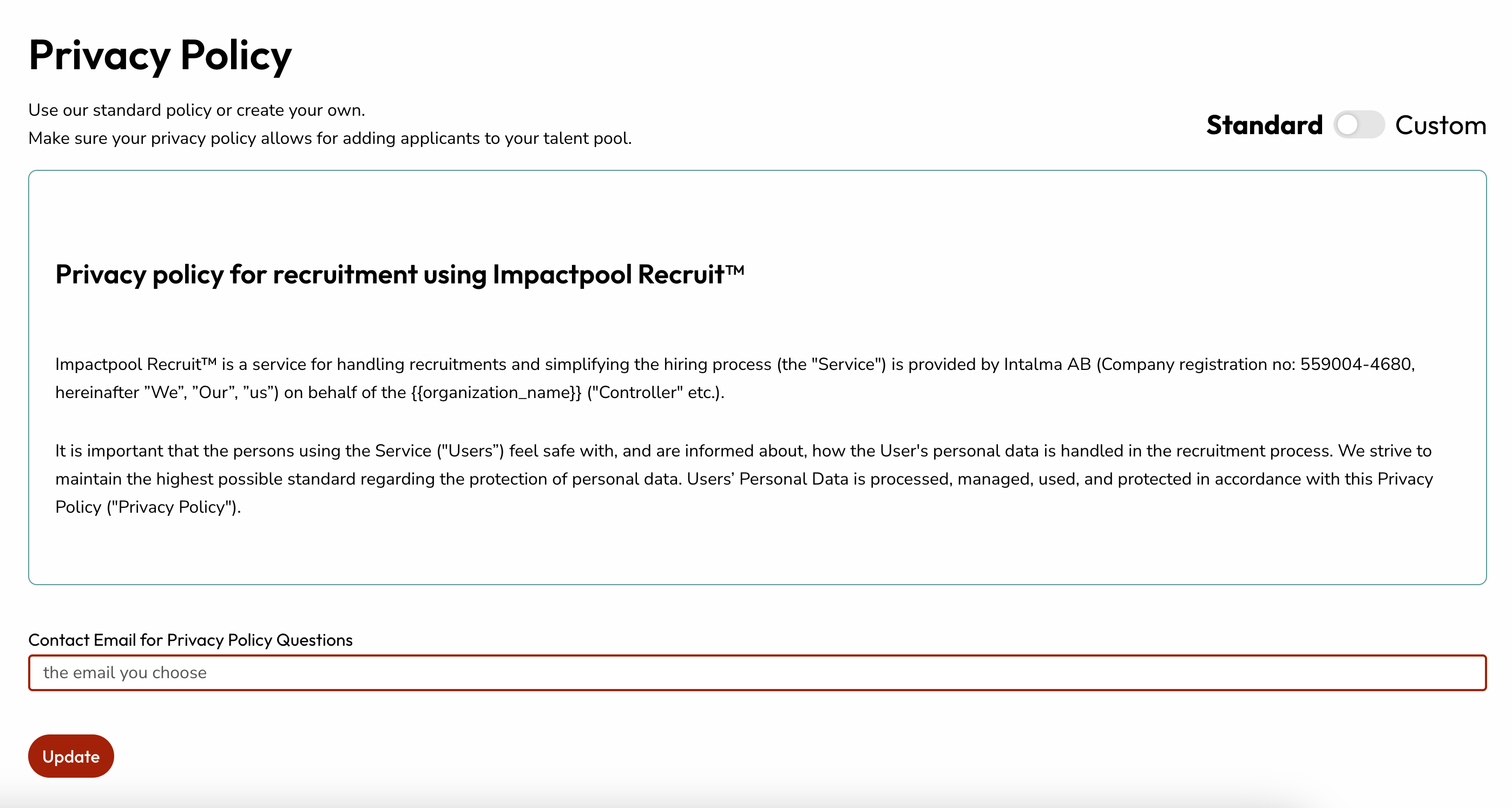
Customise the Privacy Policy by moving the Custom slider to on.
