

This guide explains how to bulk invite talent into your pool, for example after meeting students at a career fair and collecting their details in an Excel sheet. The process ensures GDPR compliance. Let's look at the steps:
Step 1: Open Invite to Pool
Click on Invite to Pool in the top right corner of your dashboard.
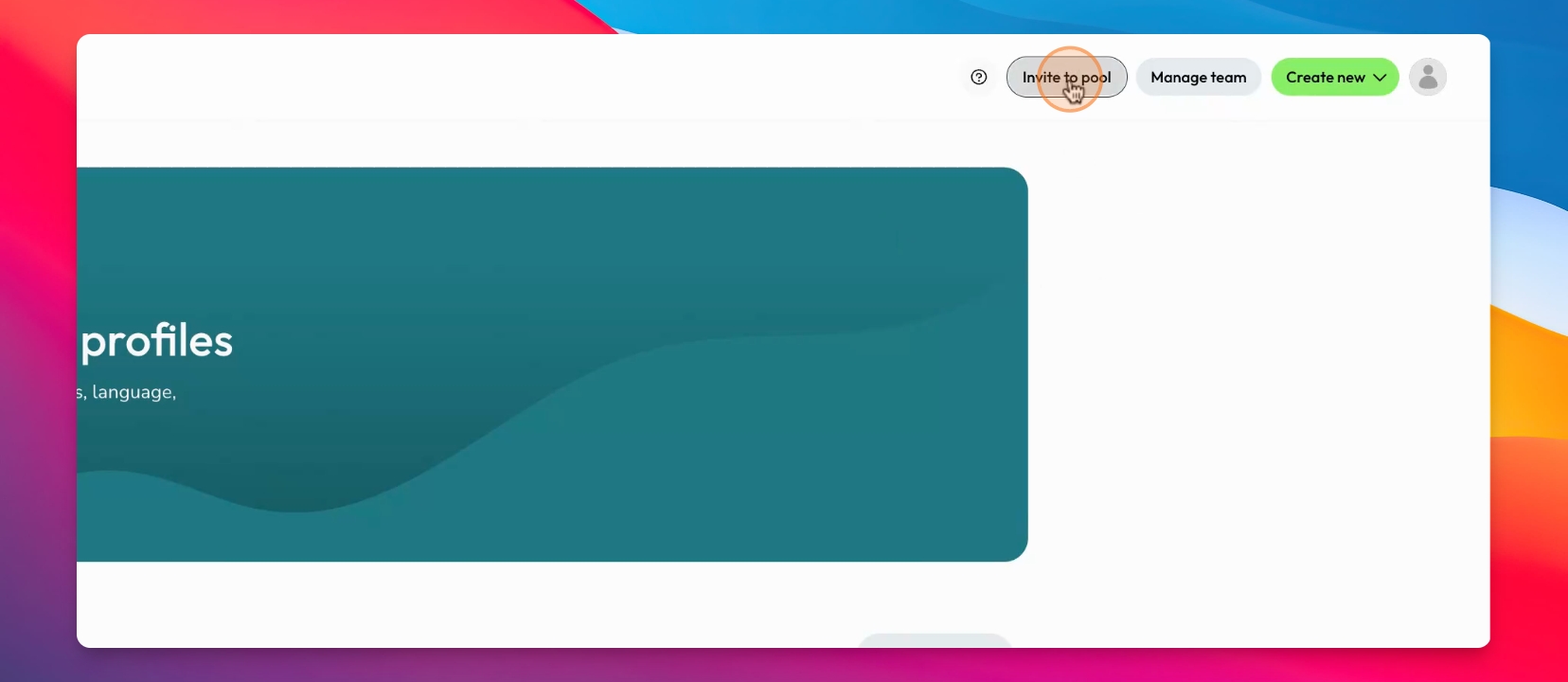
The Invite to Pool option may not be available to all admin members.
Step 2: Choose Bulk Import
Select the option to bulk import candidates. This is useful when you have a list of names and emails, such as from a CSV file gathered at an event.
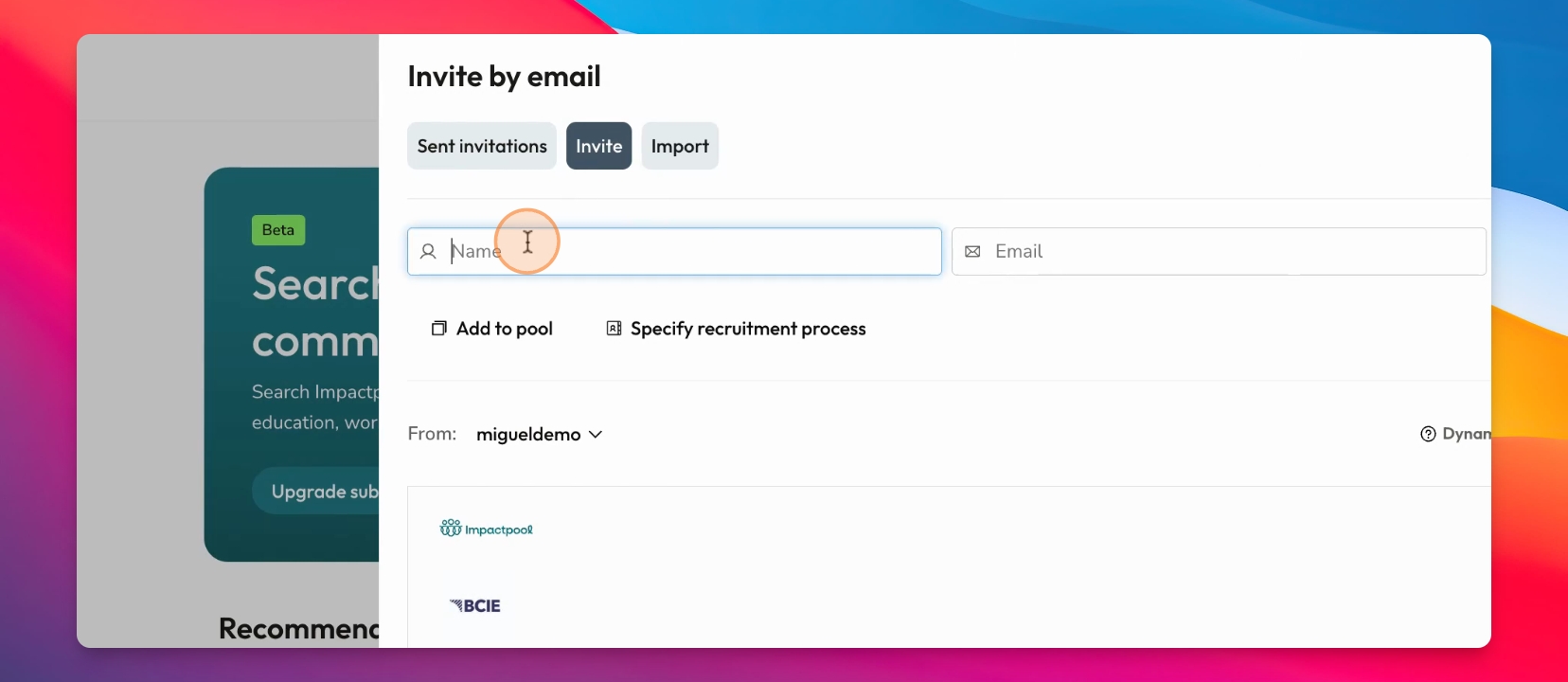
Step 3: Import CSV File
Upload your CSV file containing the candidate information. After importing, the system will create invitations for each candidate.
Each candidate will receive an invitation and can choose to opt in to your talent pool, ensuring GDPR compliance.
Thank you for watching.