Welcome to this demo on searching and connecting with talent on Impactpool. All candidate data shown is dummy data. Let's look at the steps:
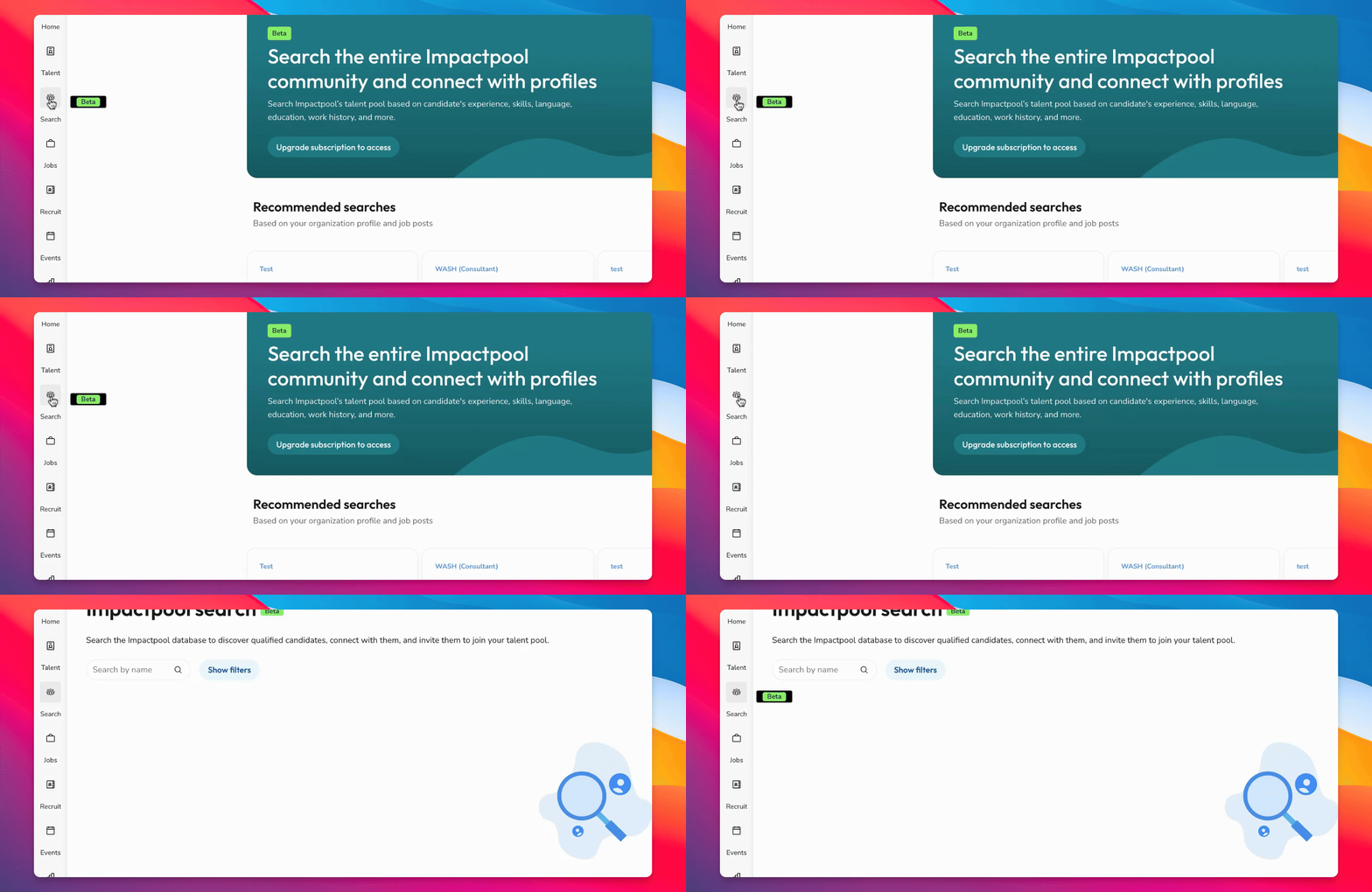
Step 1: Access Search Function
Go to the search function on the far left of the interface. This feature is currently in beta and allows you to search the entire database.
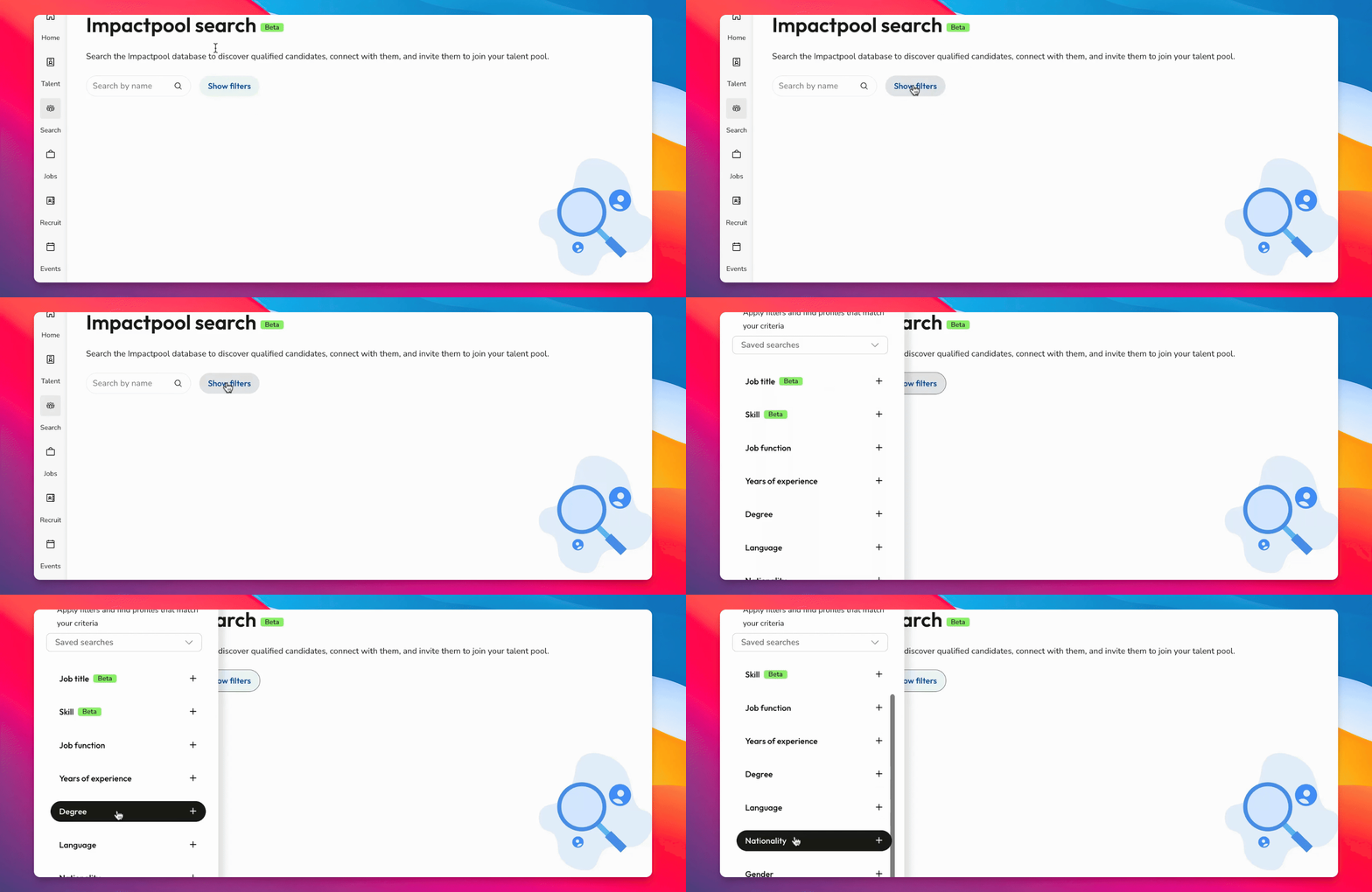
Step 2: Start with an Empty Filter
You will begin with an empty filter. To start searching for talent, use the filter to set your criteria.
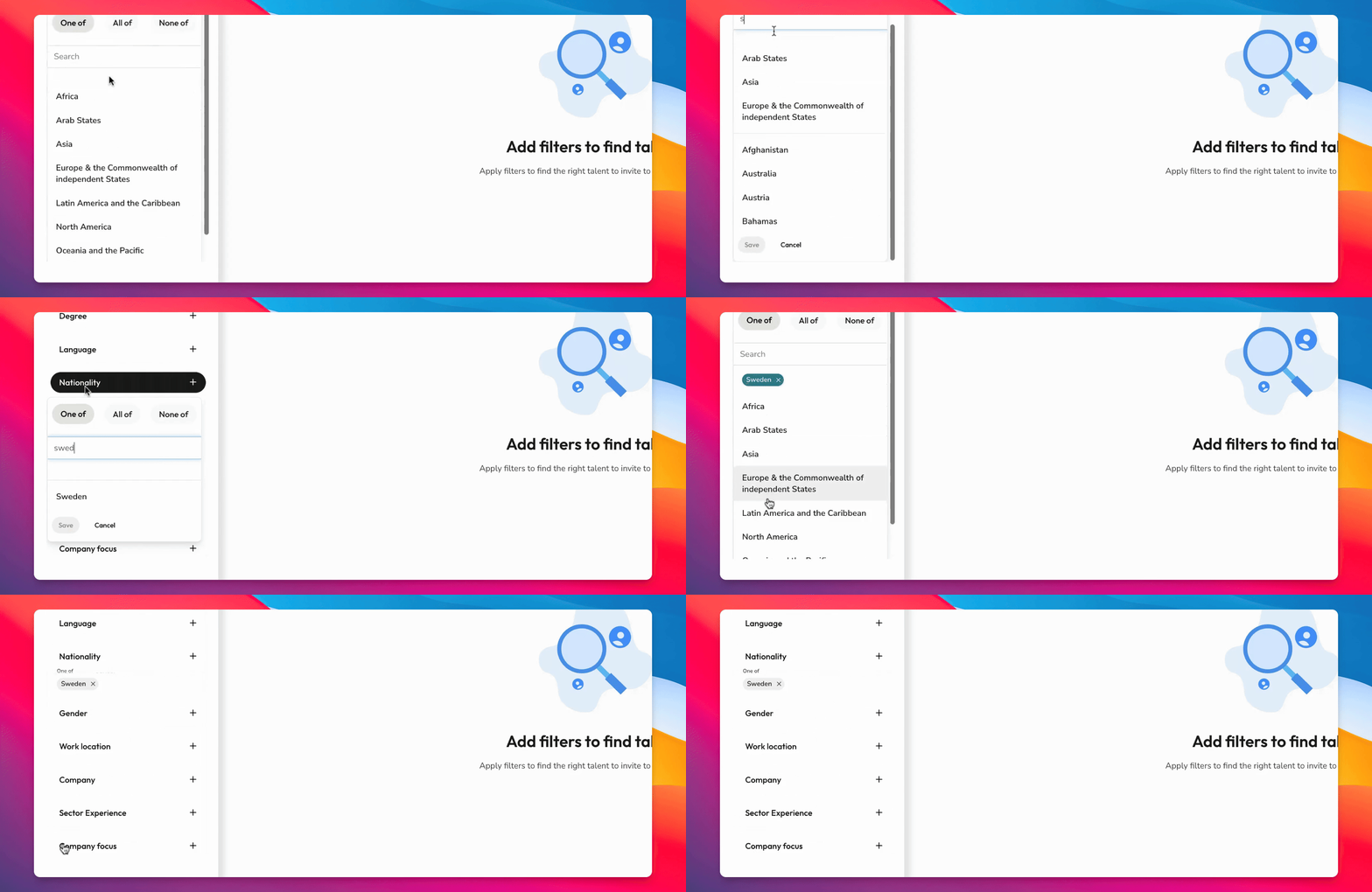
Step 3: Search for Specific Talent
For example, you can search for Swedish talent within the database.
Step 4: Review Search Results
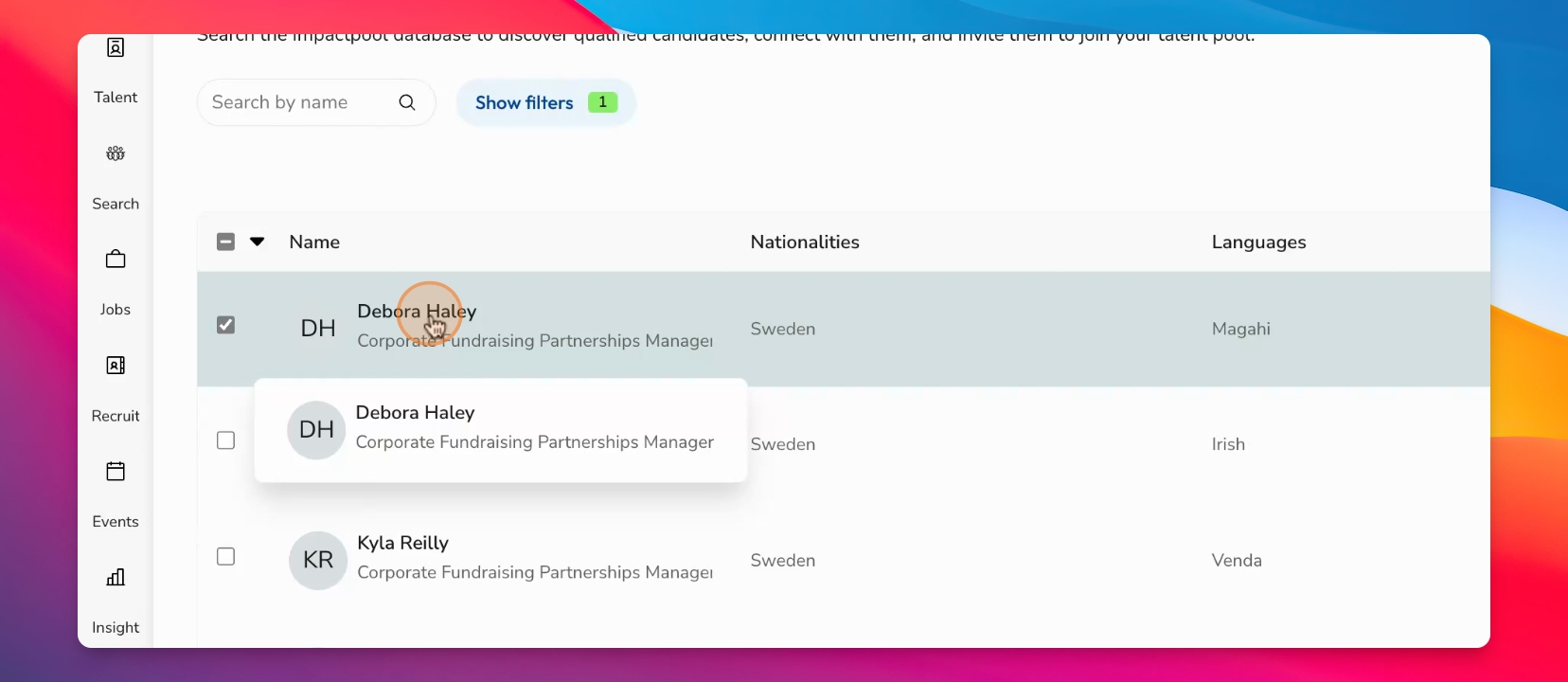
View the list of matching candidates, such as Deborah Haley and Kyla Reilly.
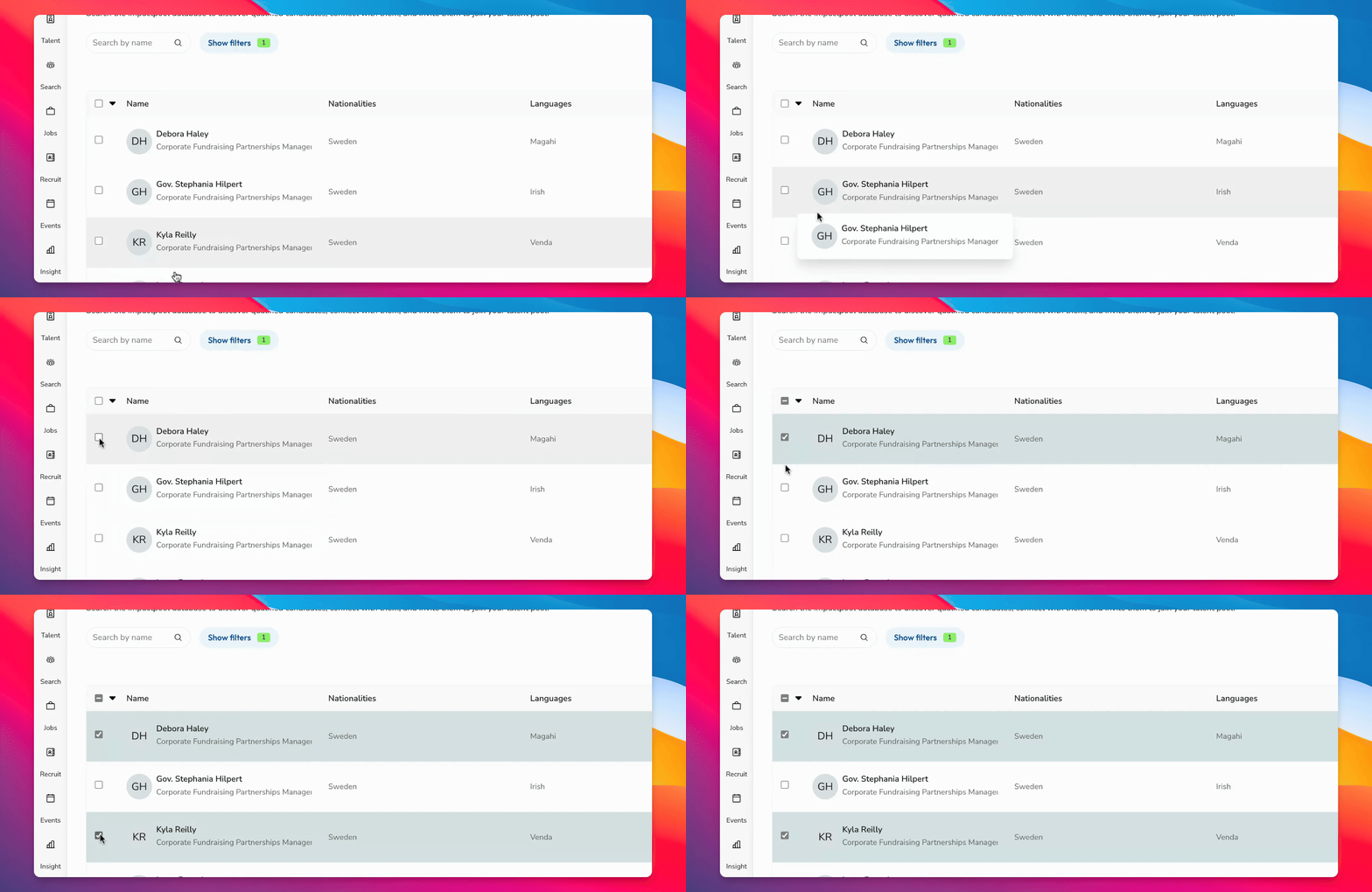
Step 5: Connect with Talent
Click on a candidate to connect with them directly.
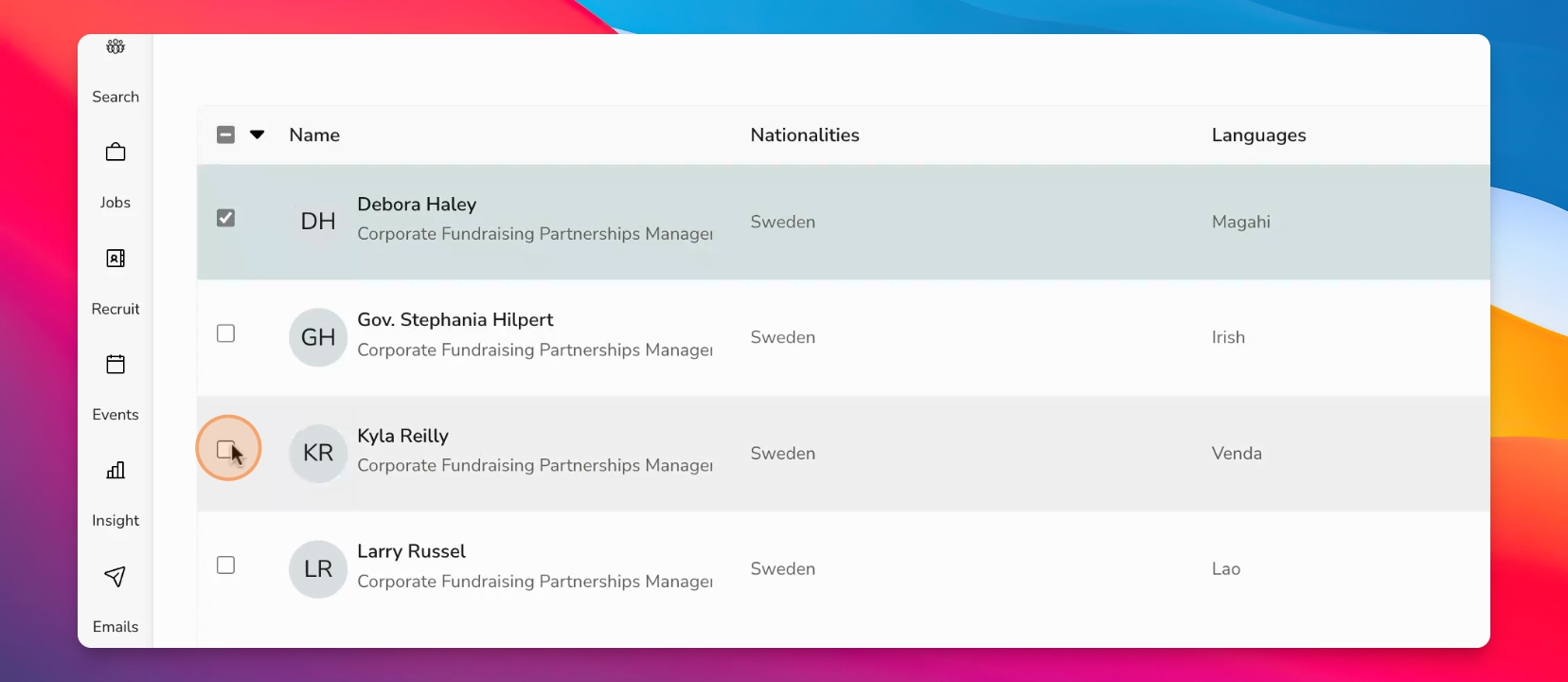
Step 6: Preview Candidate Profiles
You can also preview profiles to view details such as current job title, employer, nationality, experience, languages, work history, and more.
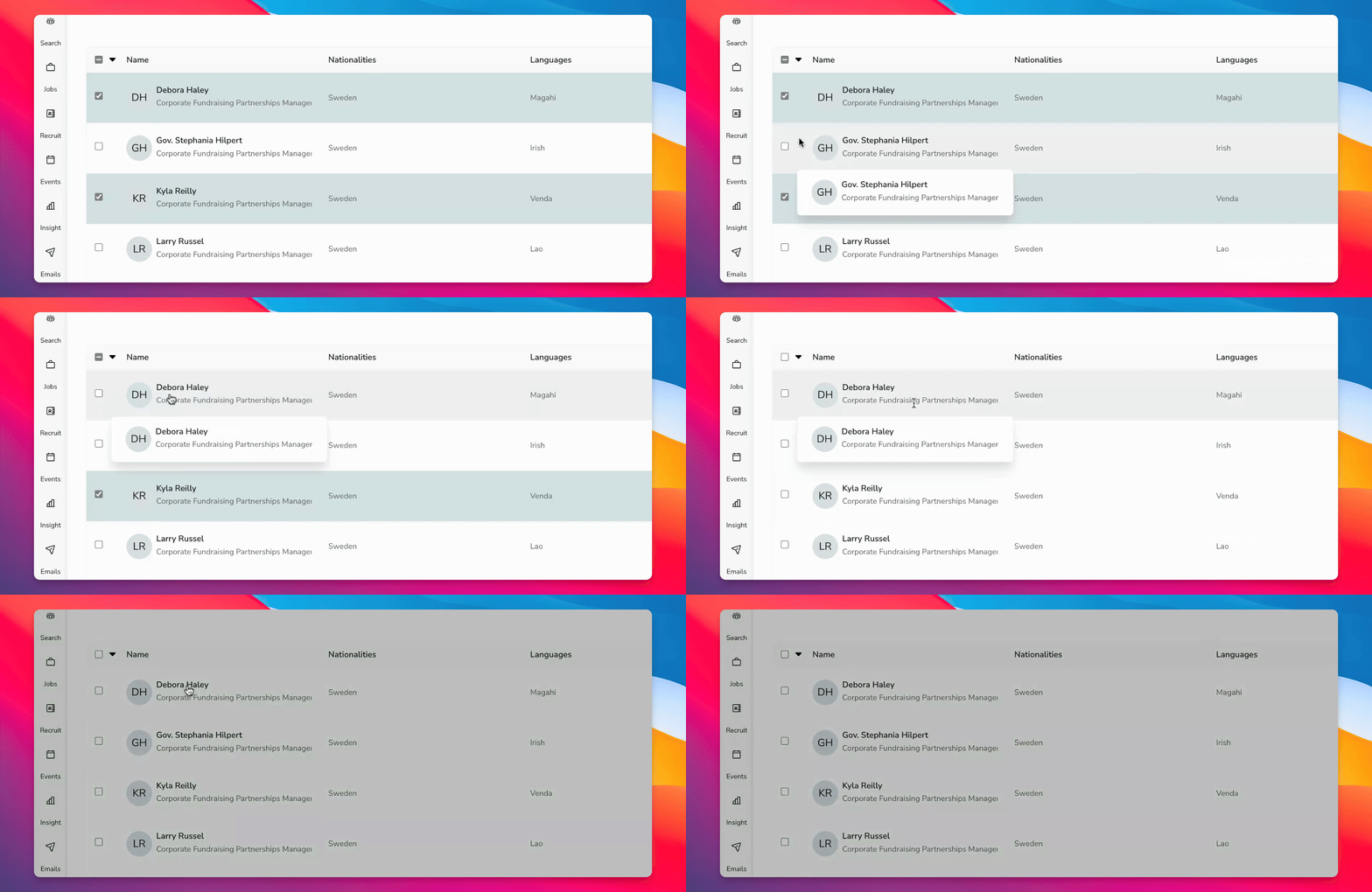
Step 7: Share Talent Profiles
Copy the link to share a candidate's profile with colleagues.
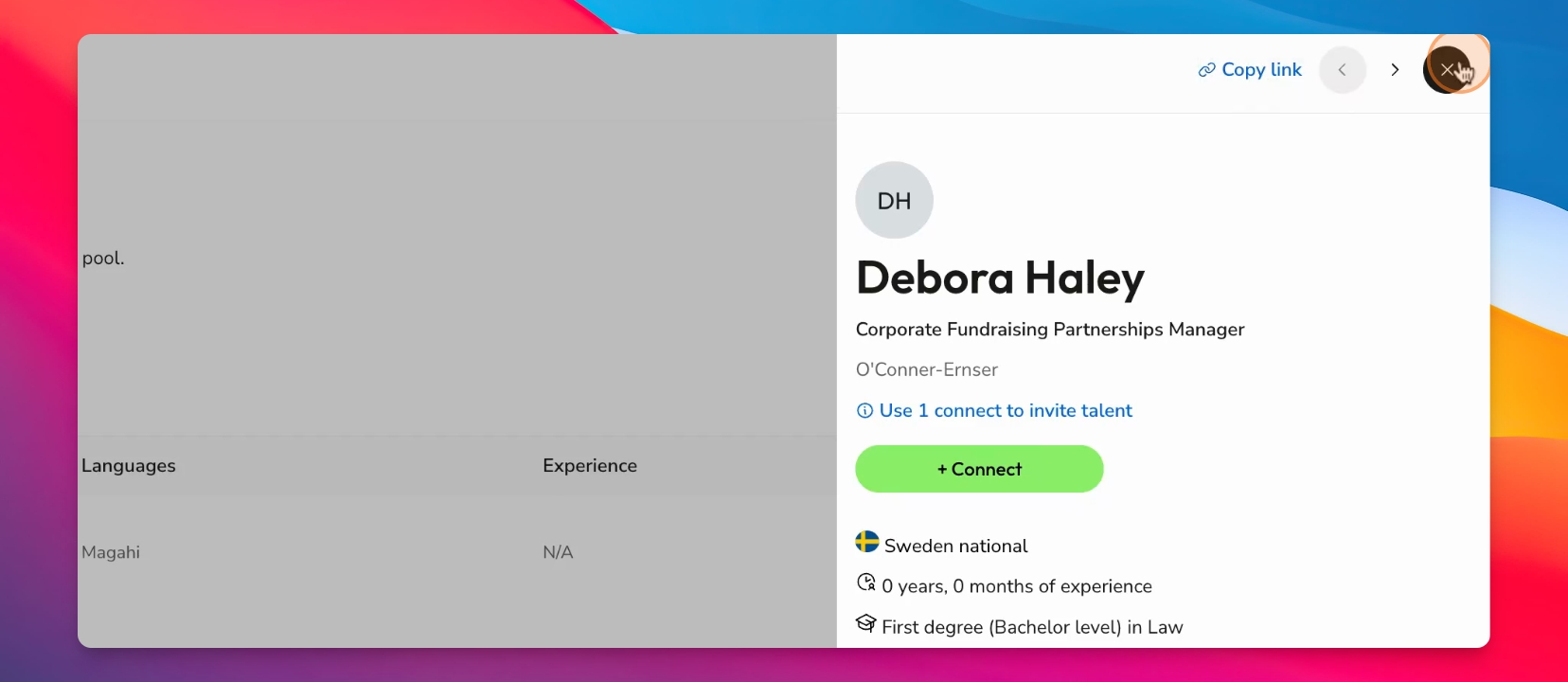
Step 8: Add to Talent Pool
When you send a connect request and the candidate accepts, they will join your talent pool.
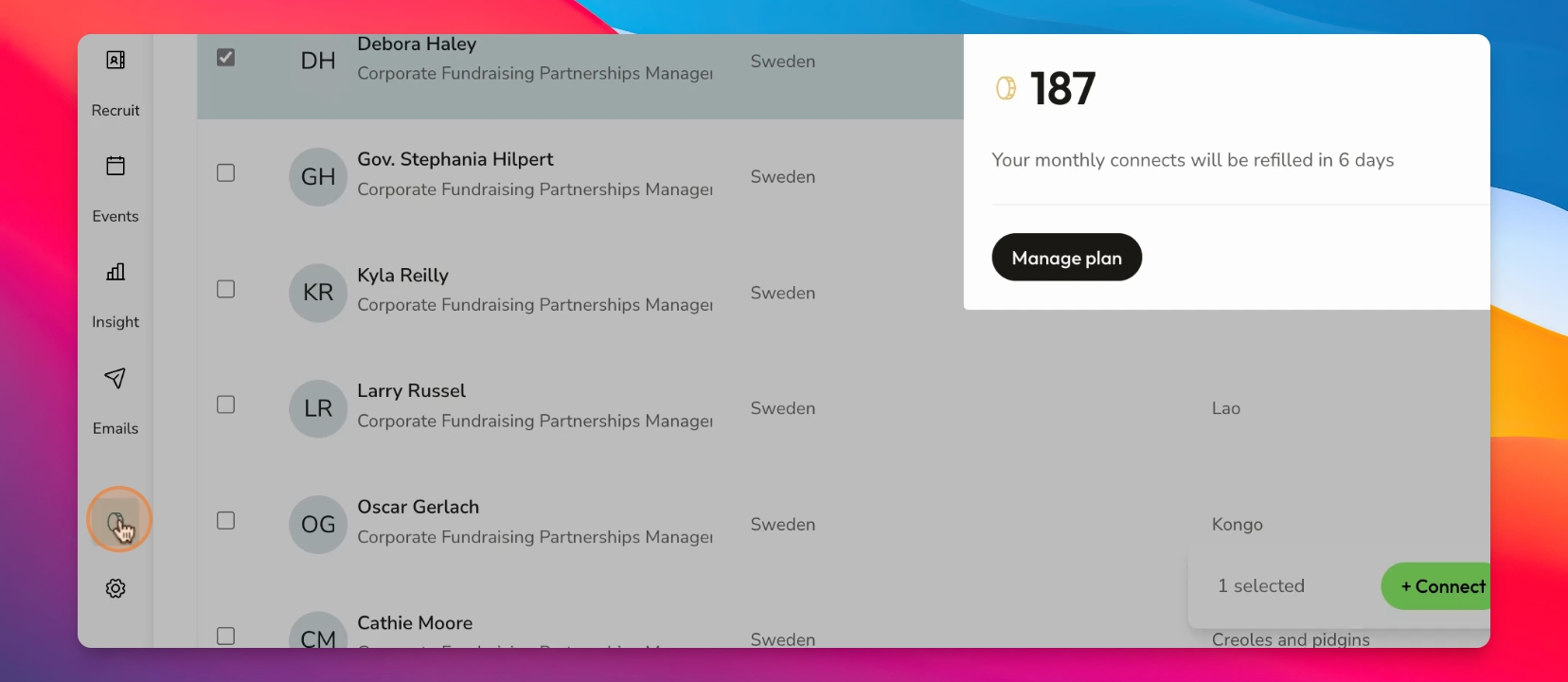
Step 9: Monitor Connects Remaining
Scroll to the bottom left corner of your screen to see how many connects you have left in the menu.
You can view your remaining connects and the renewal period at the bottom left. This is how you connect with talent on Impactpool.