

To learn how to add a contact e-mail to your Privacy Policy, read the article - GDPR - How to add a contact e-mail to the Privacy Policy in the Impactpool Recruit™?
On May 25, 2018, the General Data Protection Regulation (GDPR) came into effect. The GDPR includes rules relating to how we collect and process personal data.
In order to make it easier for your applicants to understand how their data is being processed, you must have a Privacy policy visible for the applicants upon application. The applicants will see this text just before submitting their application. To submit an application the applicant must acknowledge that he/she/ze has seen the document by clicking a check-box.
Impactpool Recruit™ comes with a Privacy Policy template. This user guide serves to help you to review the template AND/OR customise it to add more information if need be.
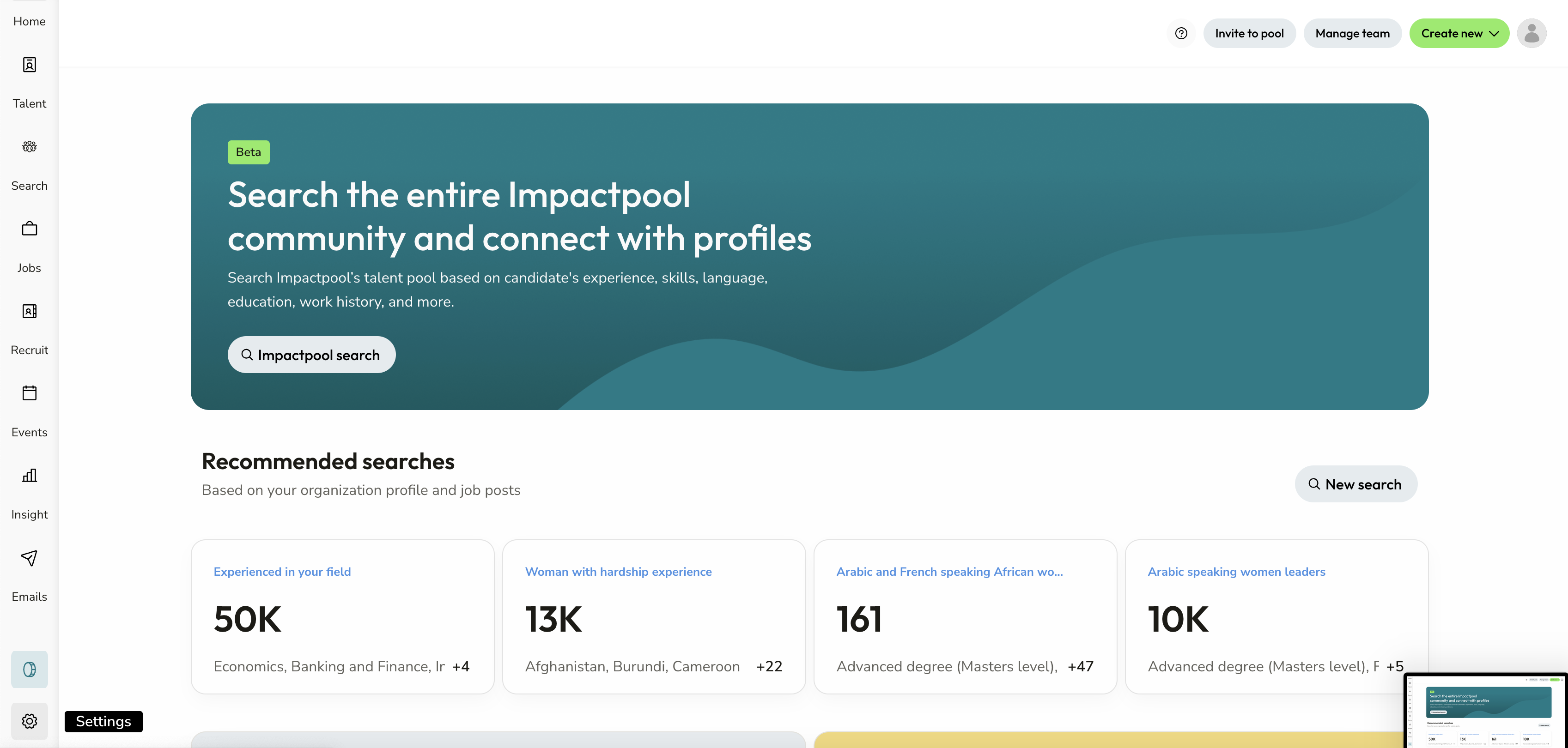
Step 1: Press the Settings button in the left sidebar
This button is only available if you have the Superuser role in your organization.
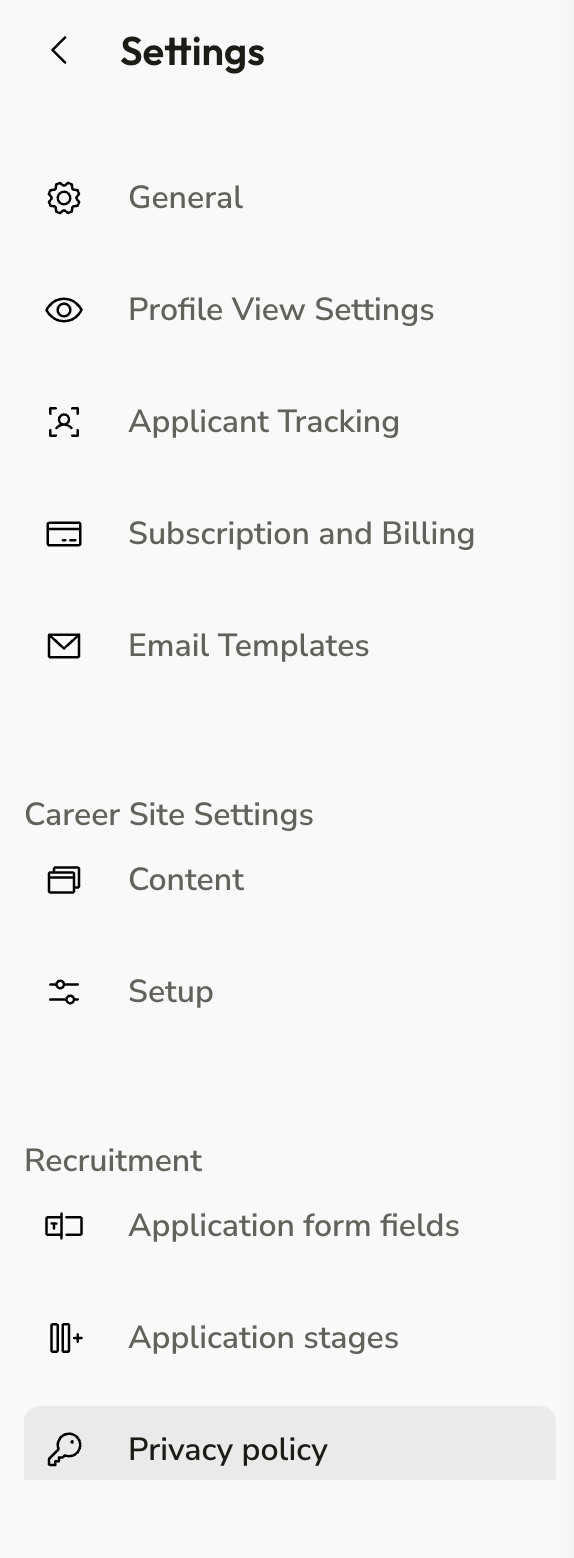
Step 2: Press the Privacy Policy button in the left sidebar (under Recruitment).
Step 3: Review the current Privacy Policy,
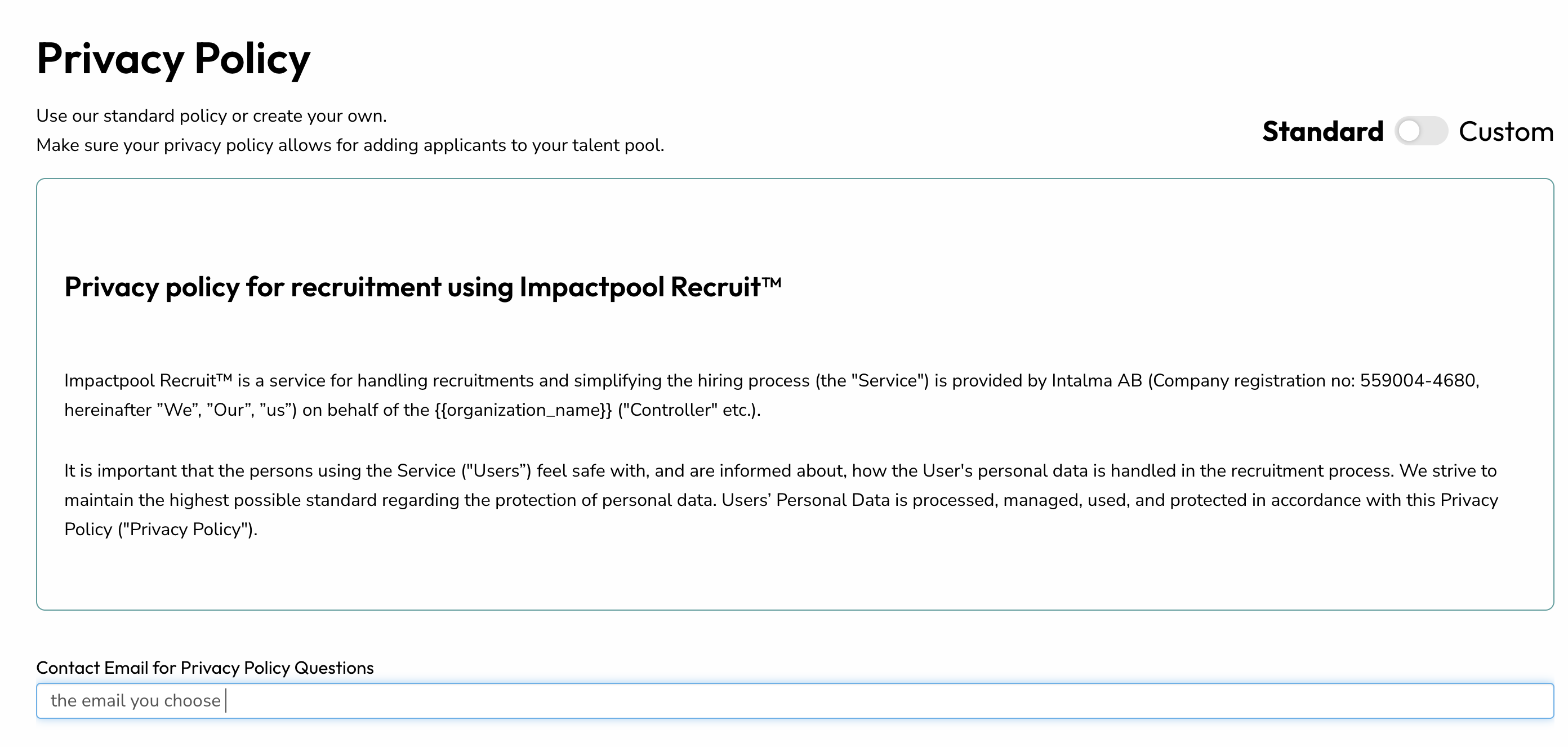
Step 4: To make any changes, move the slider to Custom

Make changes and save any changes by pressing the [update] button. Changes will immediately take effect on the Privacy Policy facing your applicants.