

Step 1: This can only be done by a Superuser
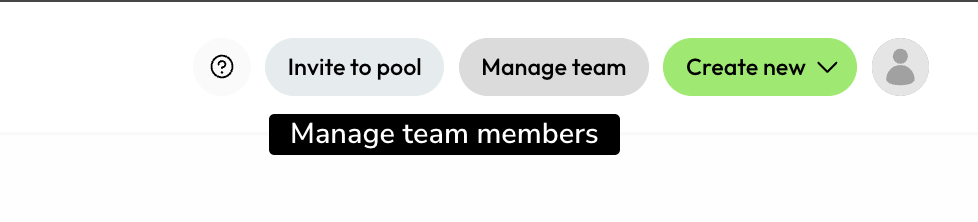
Step 2:
Identify/ search for the user you would like to deactivate,
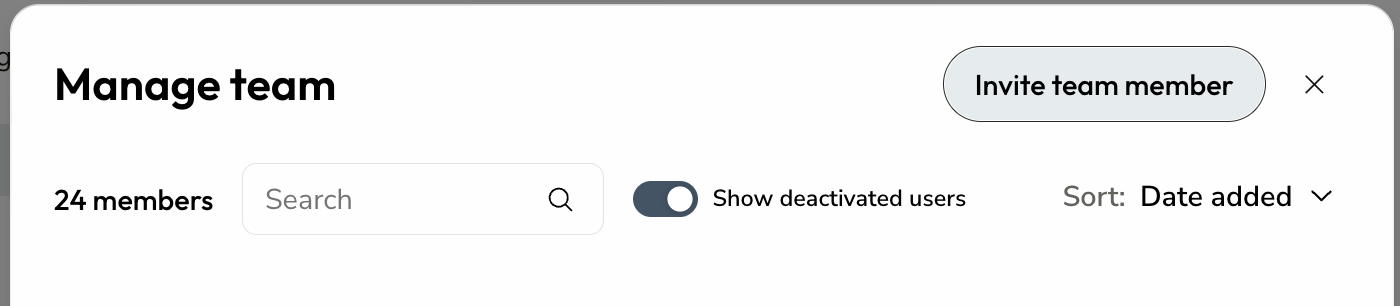
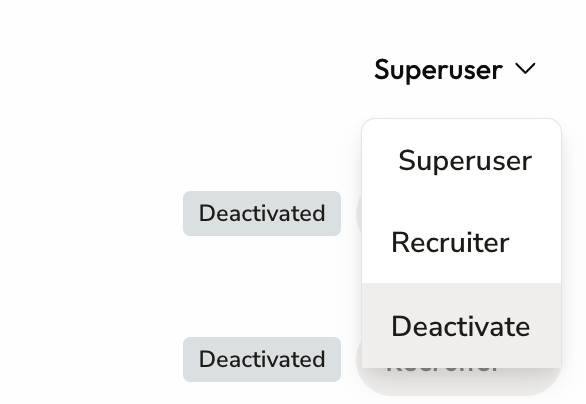
Step 3: Select the drop-down and deactivate
Please note: a user who has not yet followed the activation email and activated their account cannot be deactivated. To deactivate such users, please contact our support email.
To re-activate a deactivated user who is already in your dashboard, follow the same process, but choose re-activate this time.