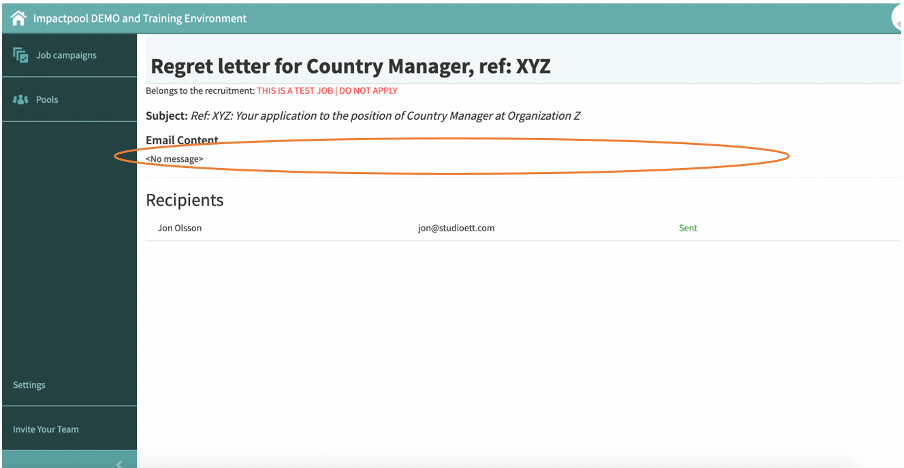
As a recruiter, you may want to use a regret letter template that has been sent for a previous job. T
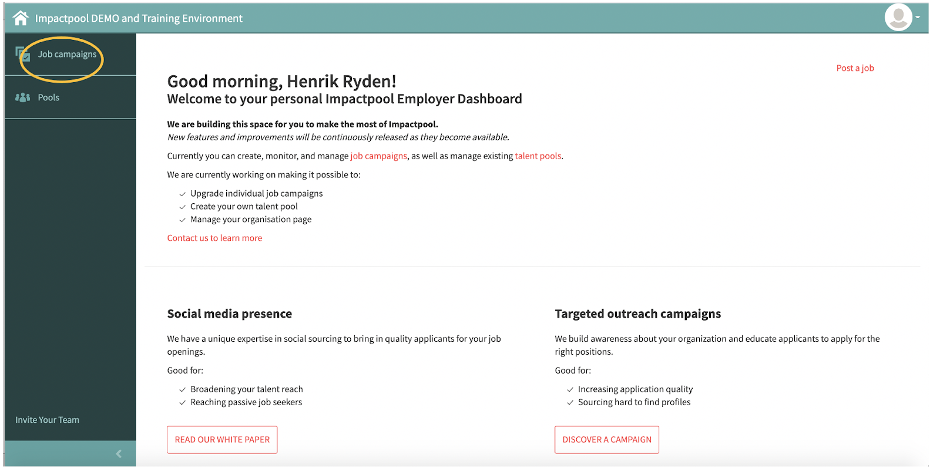
Step 1: o copy a previous message template, start to press the Job campaigns button in the left sidebar (marked in orange below).
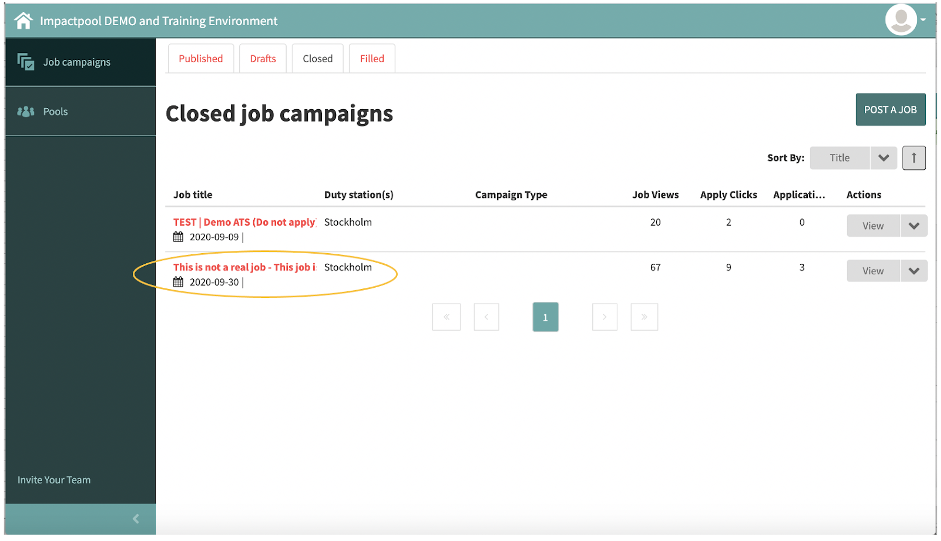
Step 2: Select the job that includes the message you would like to copy. Press the Title of the job (marked in orange below).
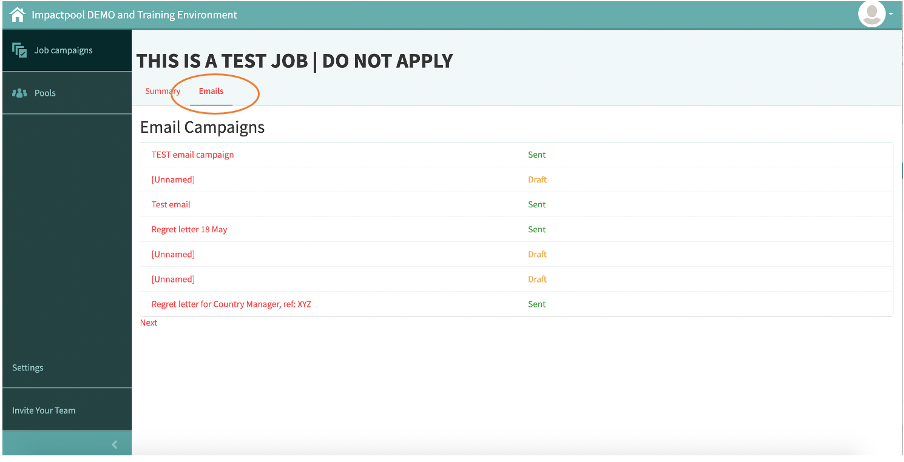
Step 3: Press the [Emails] link (marked in orange below) and a list of e-mails appears. By clicking on the e-mail you will be able to see the message sent.
Copy the message text. To learn how you send a new batch message in Impactpool Recruit™ - Read: How to send a batch message or regret letter to all or selected applicants in Impactpool Recruit™?