

Welcome to this tutorial on 'how to post a job on Impactpool. Let's look at the steps:
Step 1: Access Job Posting
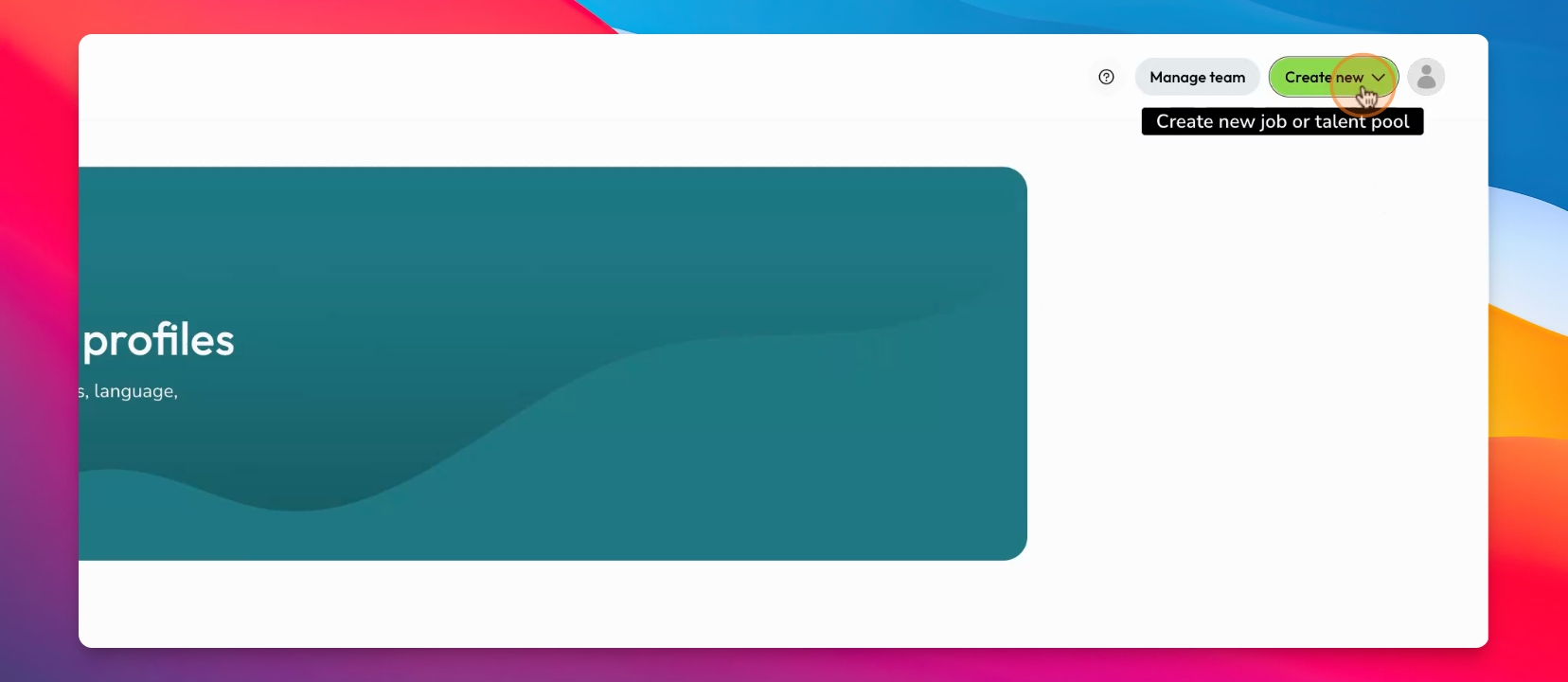
In the top right corner under create new, find the dropdown where you can either create a new pool or post a new job. Alternatively, go to inside jobs and click " Post a job".
Step 2: Choose Your Role
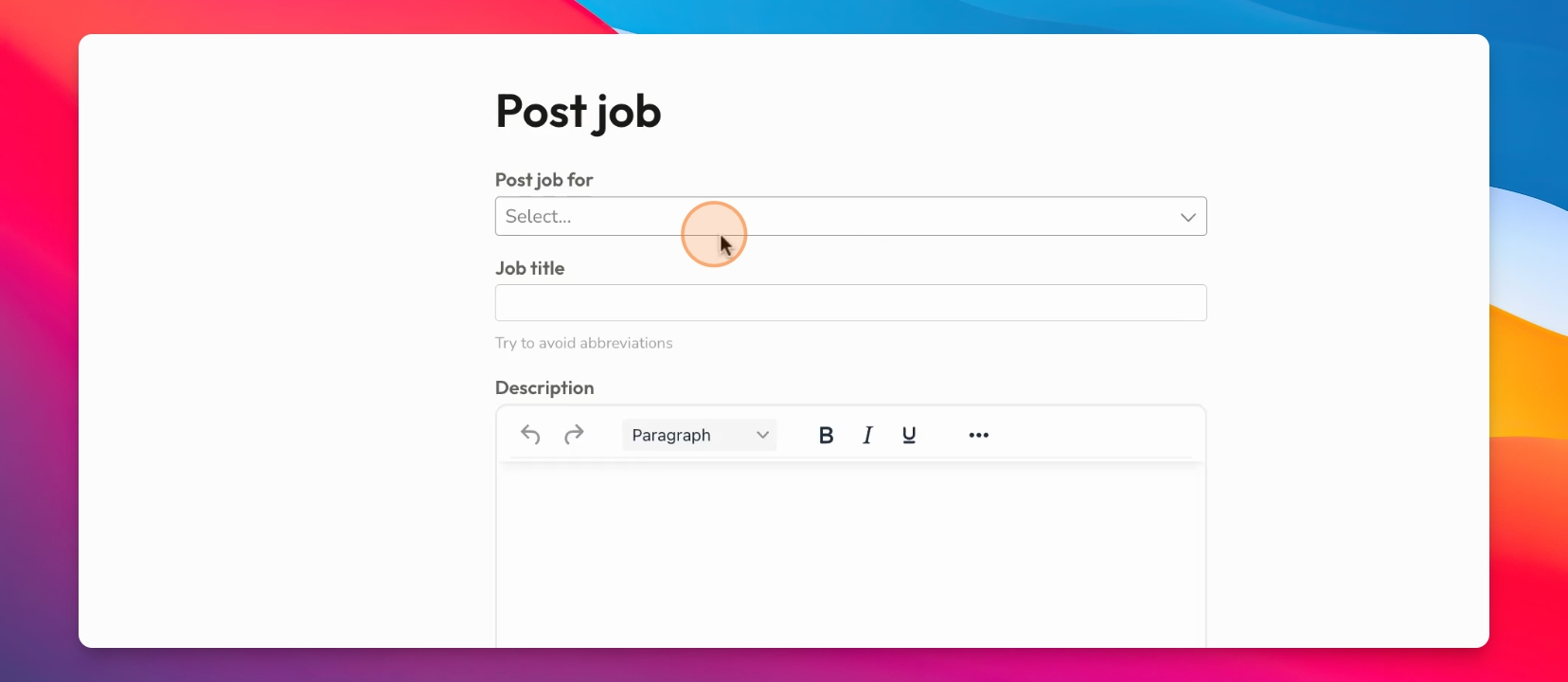
Decide if you are posting as an organization, a recruiter within that organization, or as an agency. If you are an agency, reach out to set up a specific dashboard.
Step 3: Fill Job Details
Type or paste the job title and description. Ensure to format the description properly if copied from a PDF.
Step 4: Location and Type
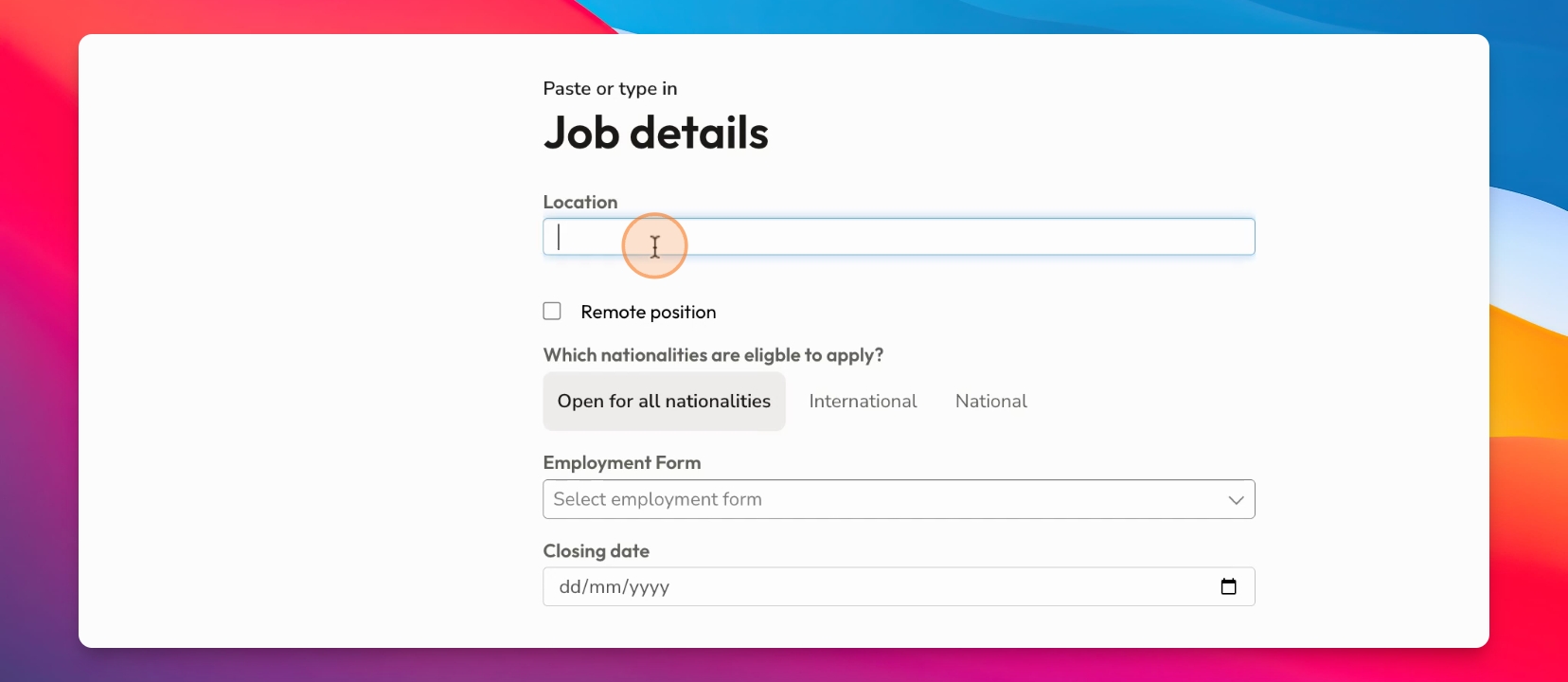
Add the job location and specify if it is remote. You can choose options such as international, national, or open for all nationalities.
Step 5: Candidate Preferences
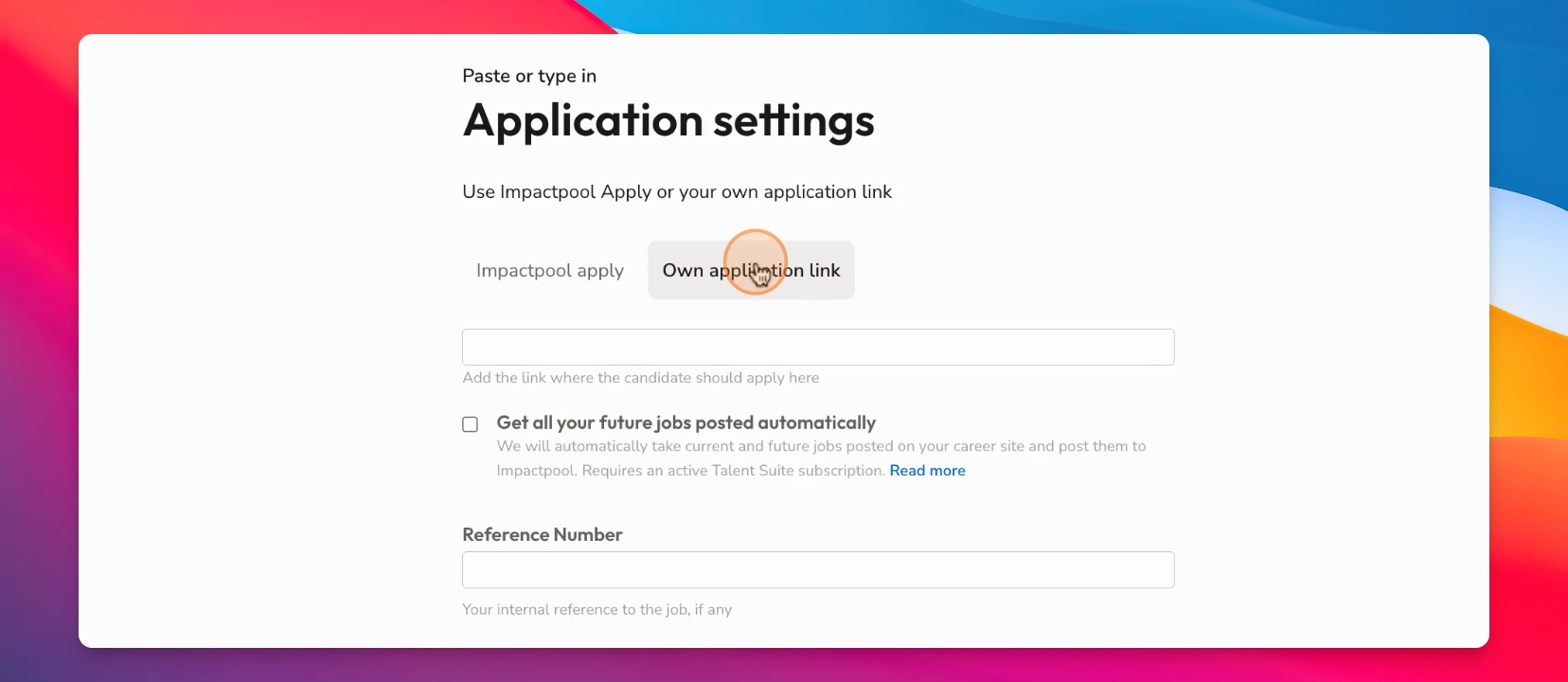
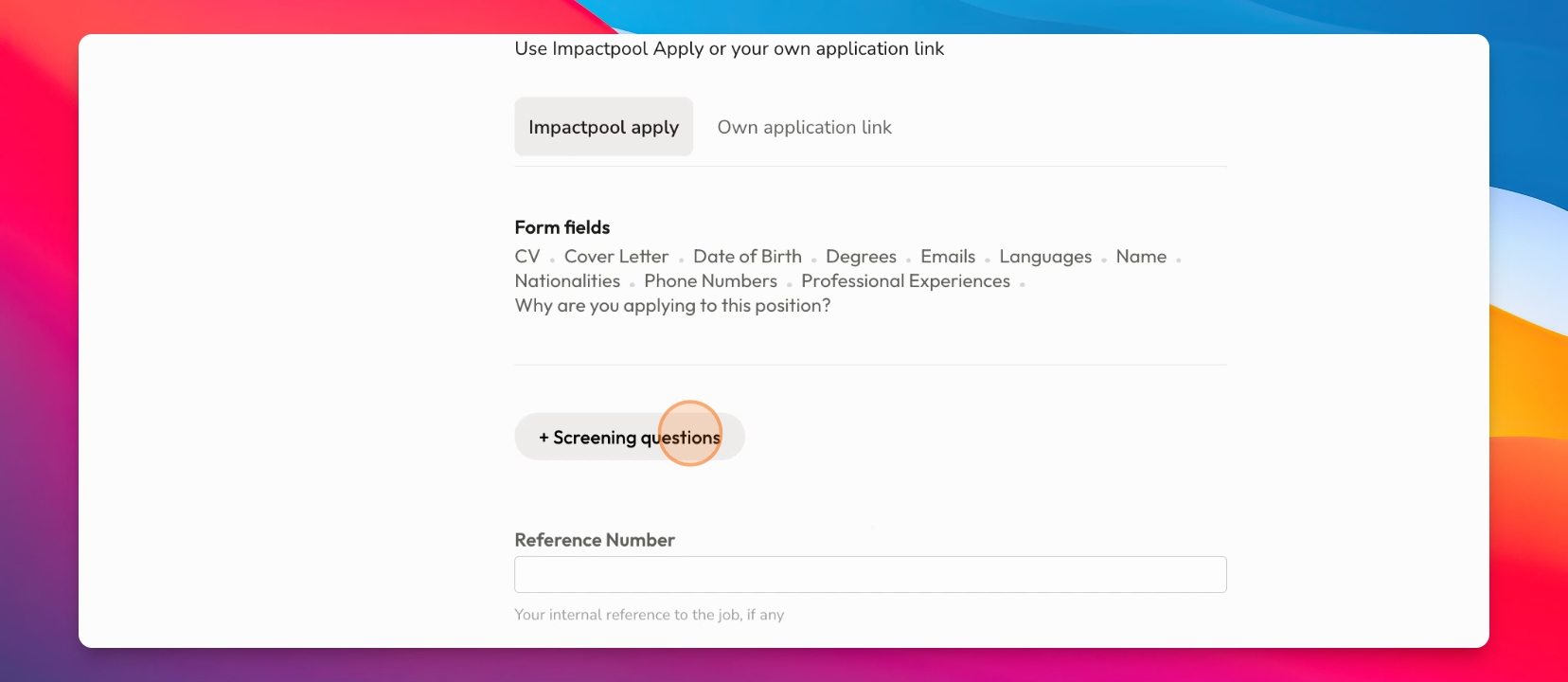
Specify candidate preferences, application links, or use Impactpool's in-built ATS. Choose between free and paid versions.
Step 6: Add Screening Questions
Add screening questions to help identify suitable candidates, such as languages or experience requirements.
Step 7: Finalize Job Post
Review all details, including questions and form fields. Click done when ready.
Step 8: Publish Job
Preview the job post and click publish to make it live.
If you would like any more support on your job posting write to us at customersuccess@impactpool.org
TIP: If you caught that we asked for Swedish nationality for a South African role, you were switched on and listening :) Thanks for watching!