Pre-screening questions are added to your job during the job creation stage. Read -
Step 1: To create a new screening question,
Select + Screening Question

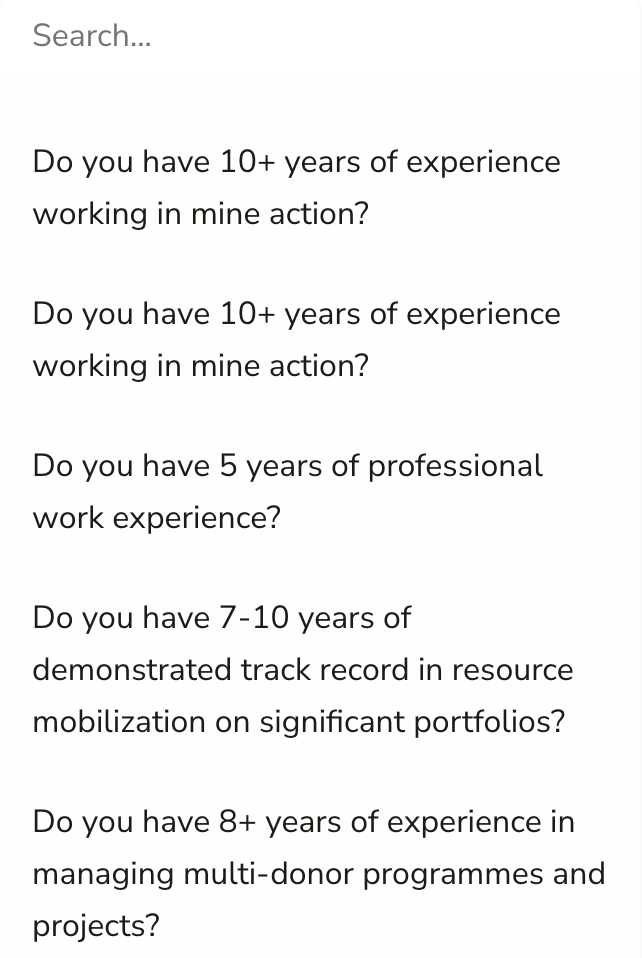
Step 2: Select from a pre-filled list of Screening questions
Didn't find one you can use? Create your own
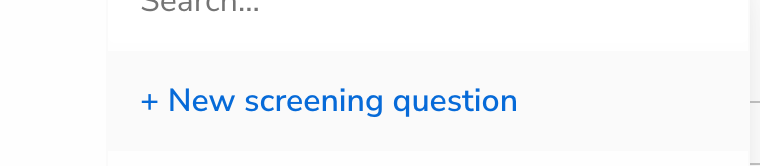
Step 3:Press the [ + New screening question] (marked in Blue)
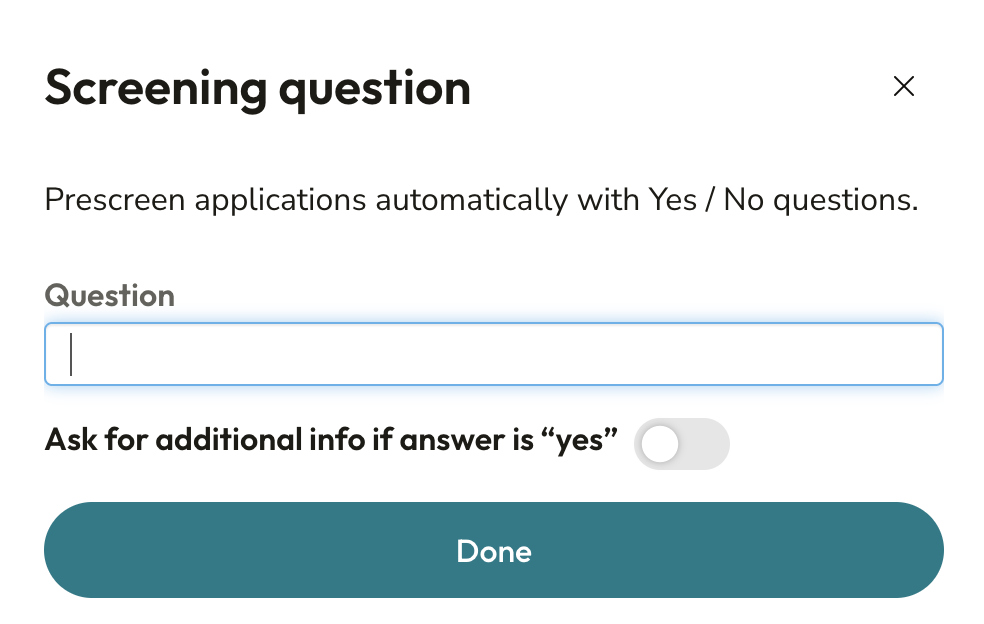
Step 4: Type the question you would like to add.
Note that:
It must be a Yes/No question.
The correct answer must be Yes.
Each applicant who responds [No] will be moved to the rejected list after they have completed their application.
Step 5: You can also ask for additional input if an applicant answers yes to your screening question
Finally, the new screening question will be added and will then become available in your dropdown list for future vacancies.