

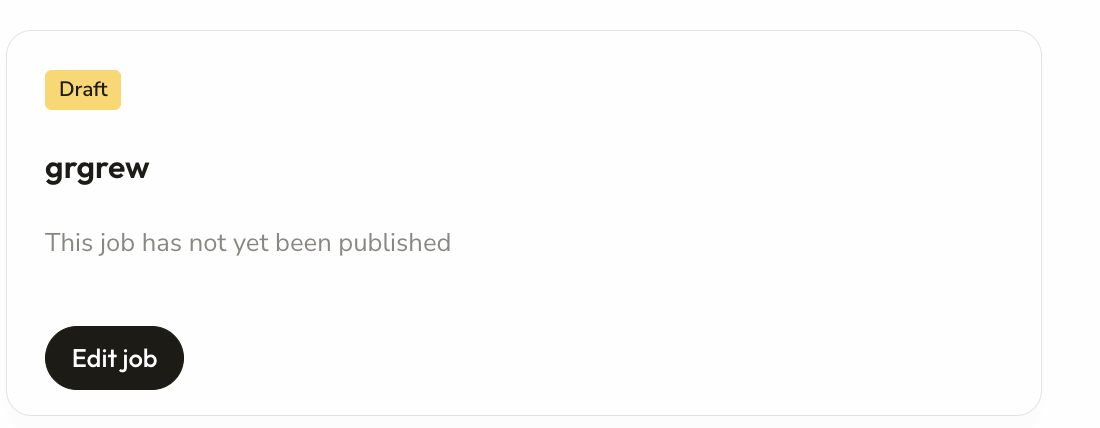
Step 1: To edit a job, click the edit job marked in black
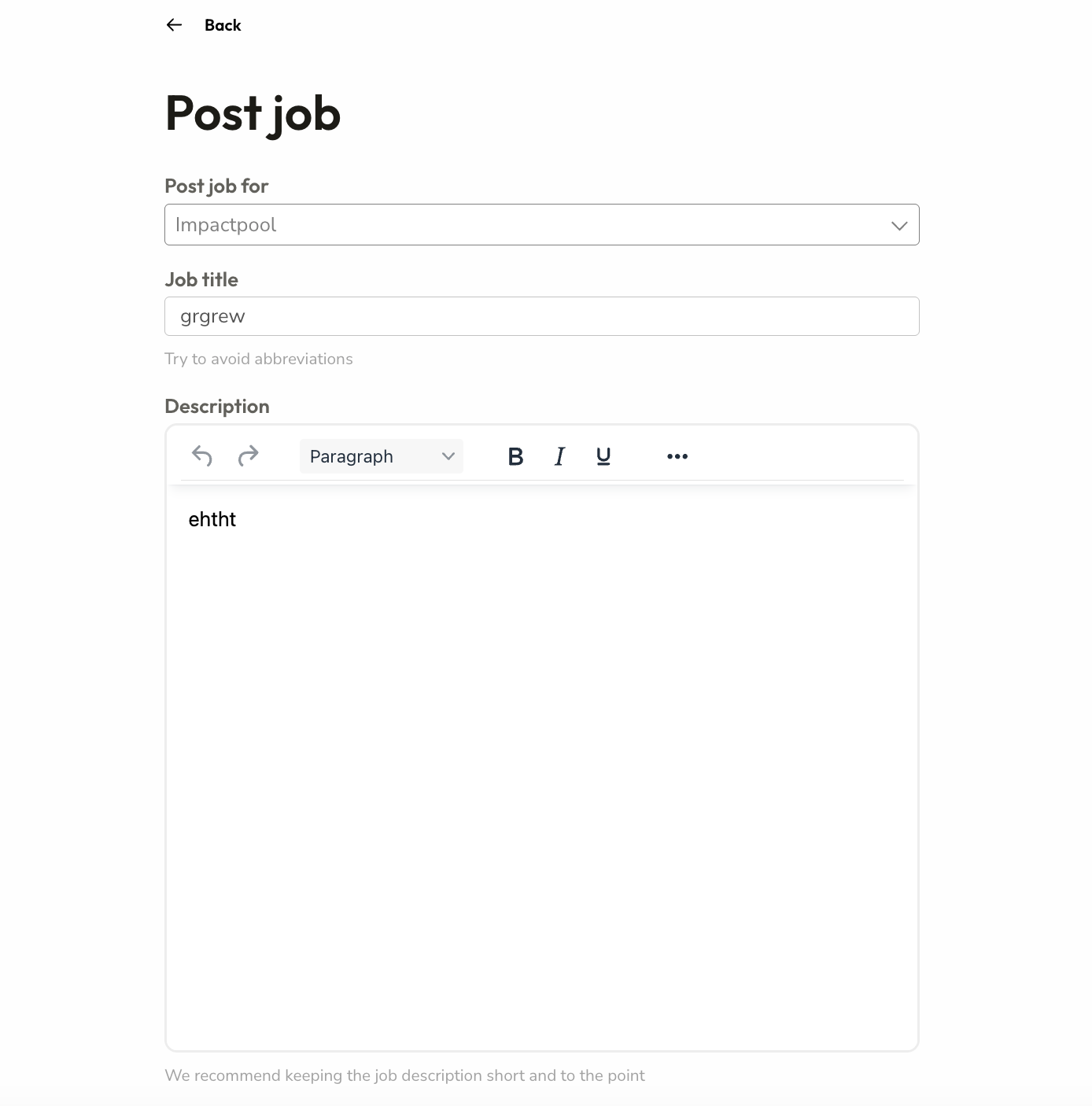
Step 2: A new window will open, the same as the first screen you used when publishing the job. Choose the field(s) to amend and simply click through the 3-step process again.
Remember, you can preview the edits as you go.
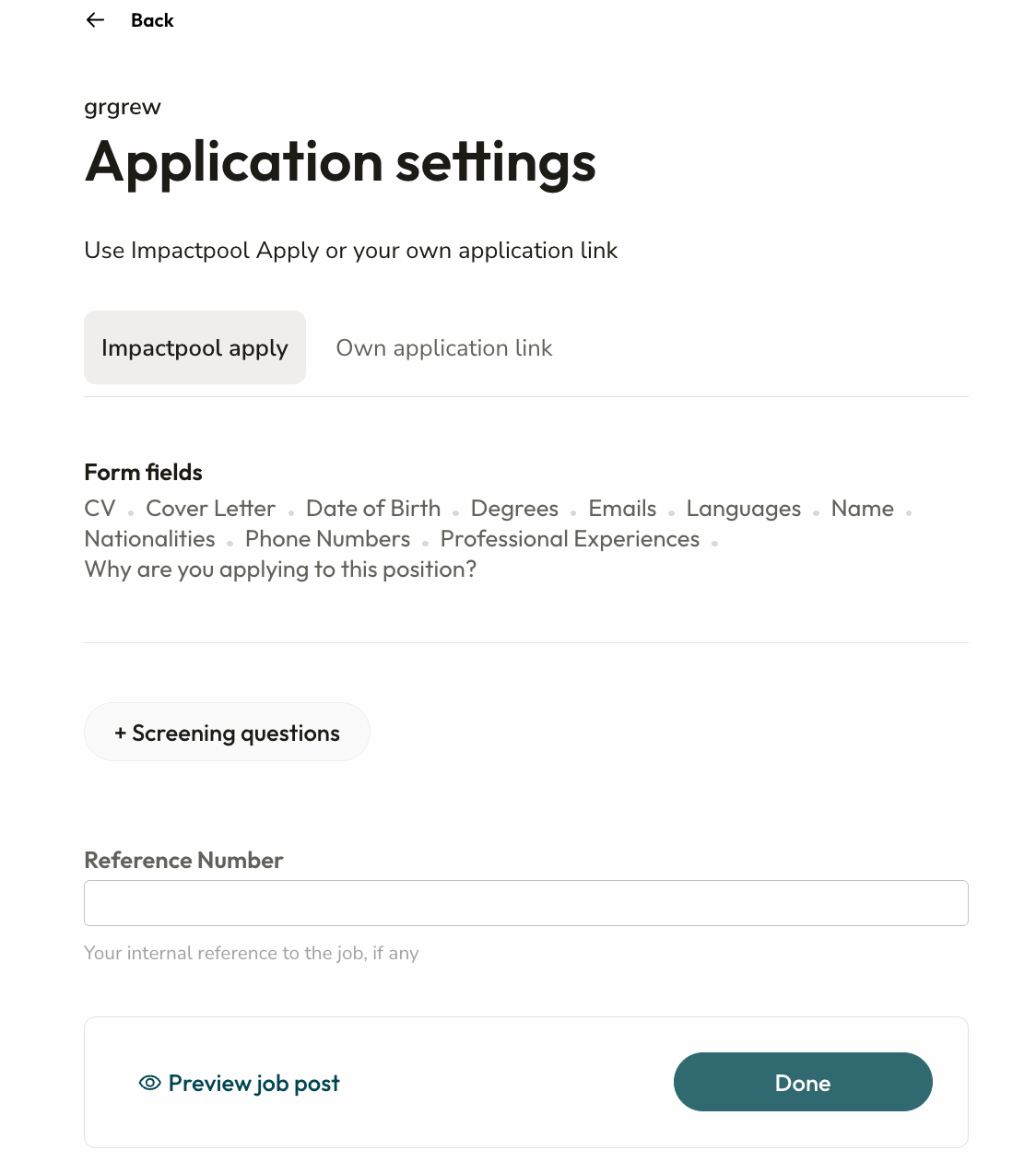
Once you are ready, click Done.