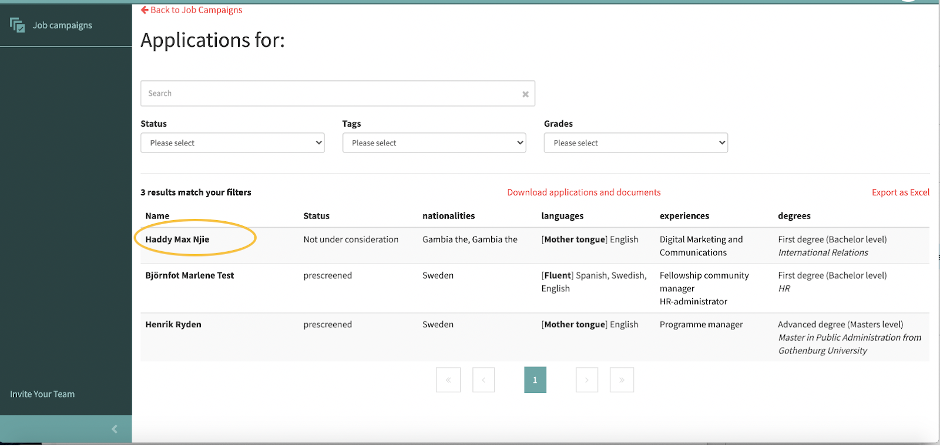
Step 1: To review any comments and status changes made to a candidate application, click the name of the candidate you would like to view (marked in orange below).
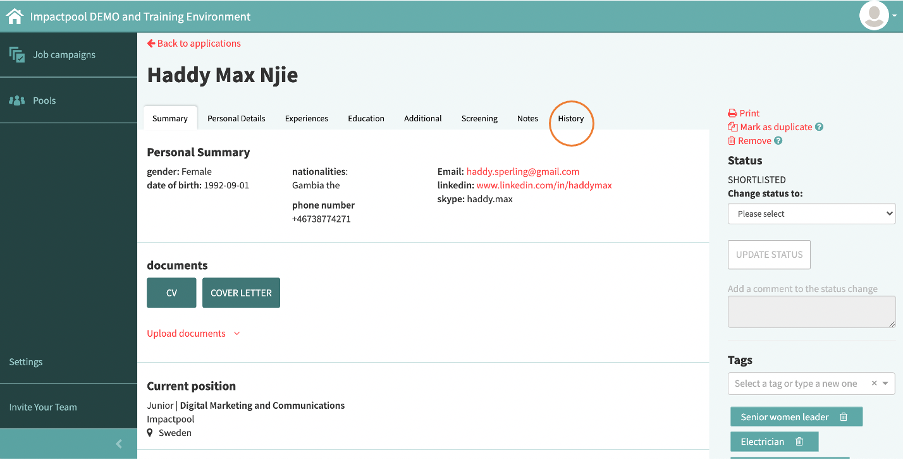
Step 5: In the candidate profile screen, right under the name of the candidate click the History tab (marked in orange below).
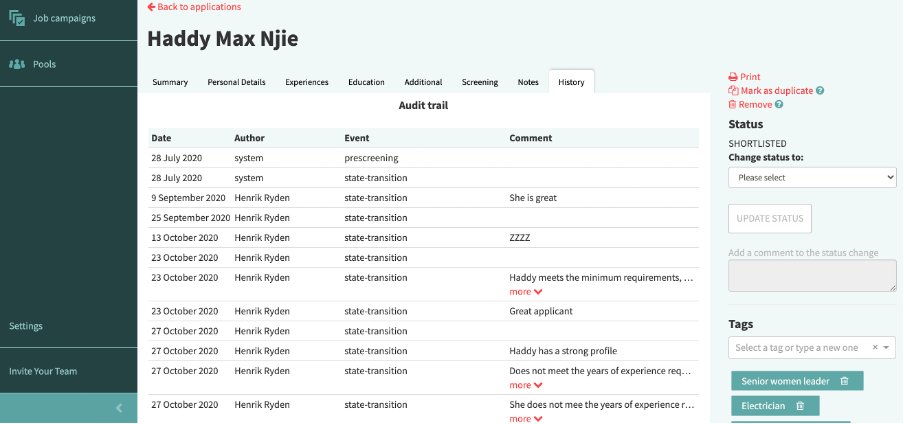
Step 6: A new window will open with all the historic actions and comments made to this candidate profile.