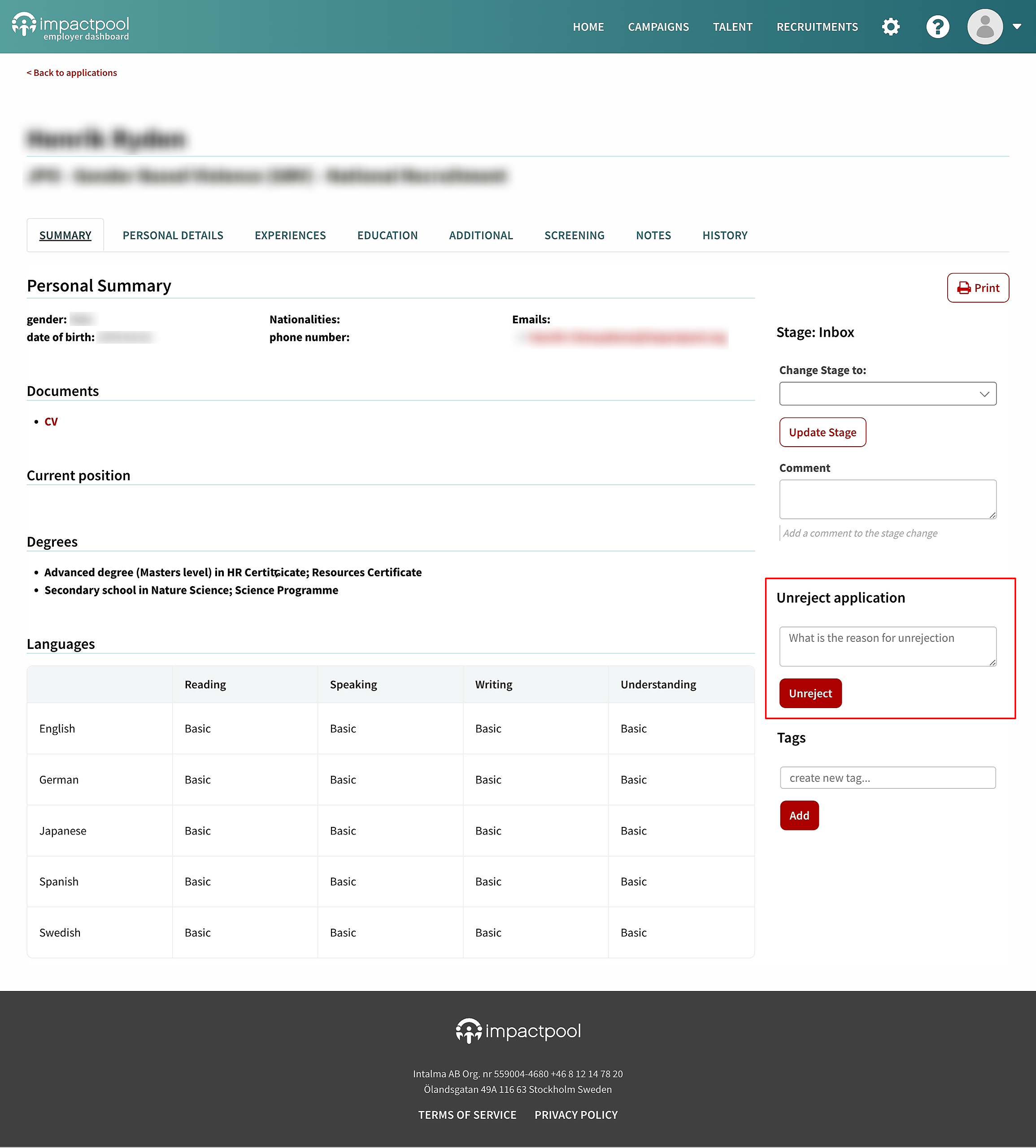
When an application is not relevant to the ongoing recruitment process, it should be rejected. Rejecting an application removes it from the screening workflow, allowing screening to focus on the applications that are of interest.
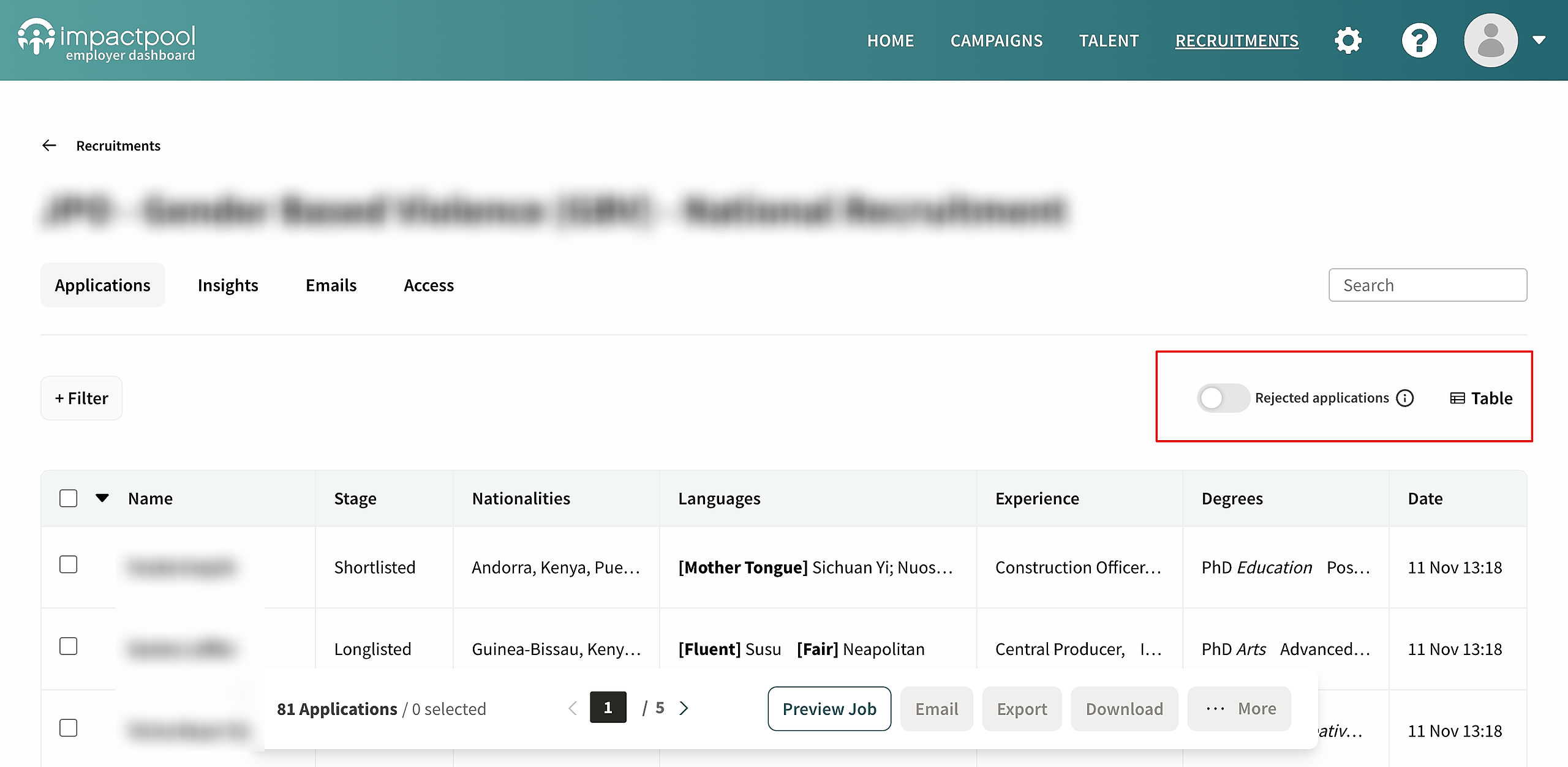
Rejected applications will not be deleted; they just won't clutter up the screening views. Use the "Show rejected applications" toggle to see any rejected applications. This will flip the view and show rejected applications.
Applications can be rejected at any stage of the recruitment process, and the stage at which they were rejected will be remembered so that this information can be reviewed later. This makes it possible to review at what stage of the recruitment process an application was rejected.
How to review rejected applications
To view all the rejected applications, use the toggle to switch the view from screening to rejected applications.
Undo rejection of an application
If an application has been mistakenly rejected or is later re-evaluated, it can be unrejected and will then be moved back into the screening at the stage where it was rejected.